Classifications
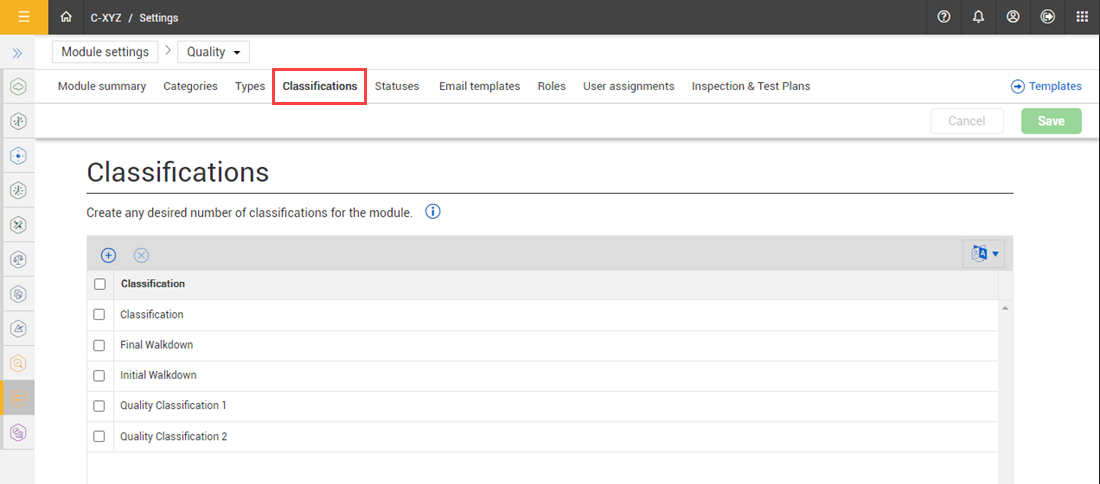
Classifications are used to categorize forms and associate them to filters and reporting, as well as facilitate logic within a form. You can use classifications on any template in the module.
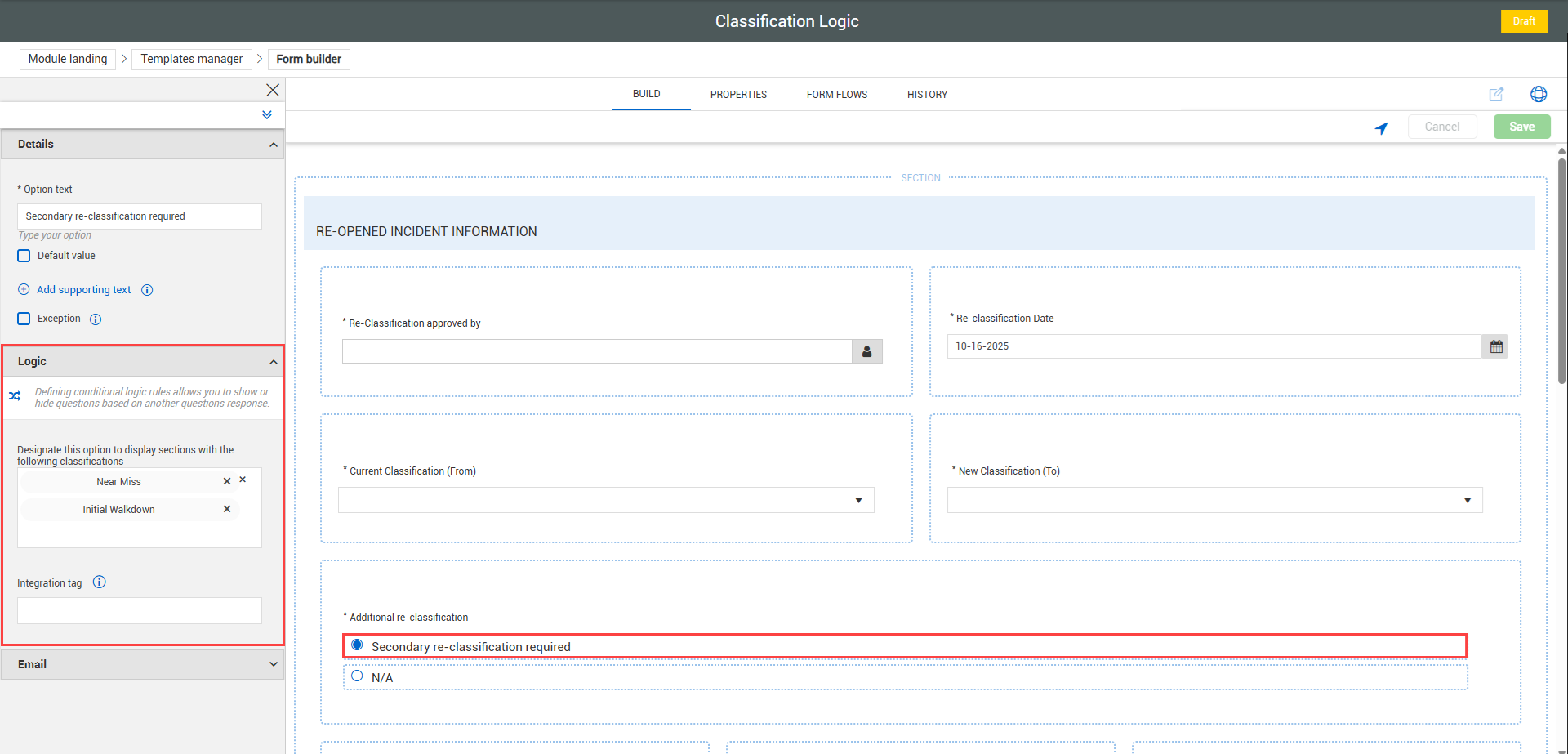
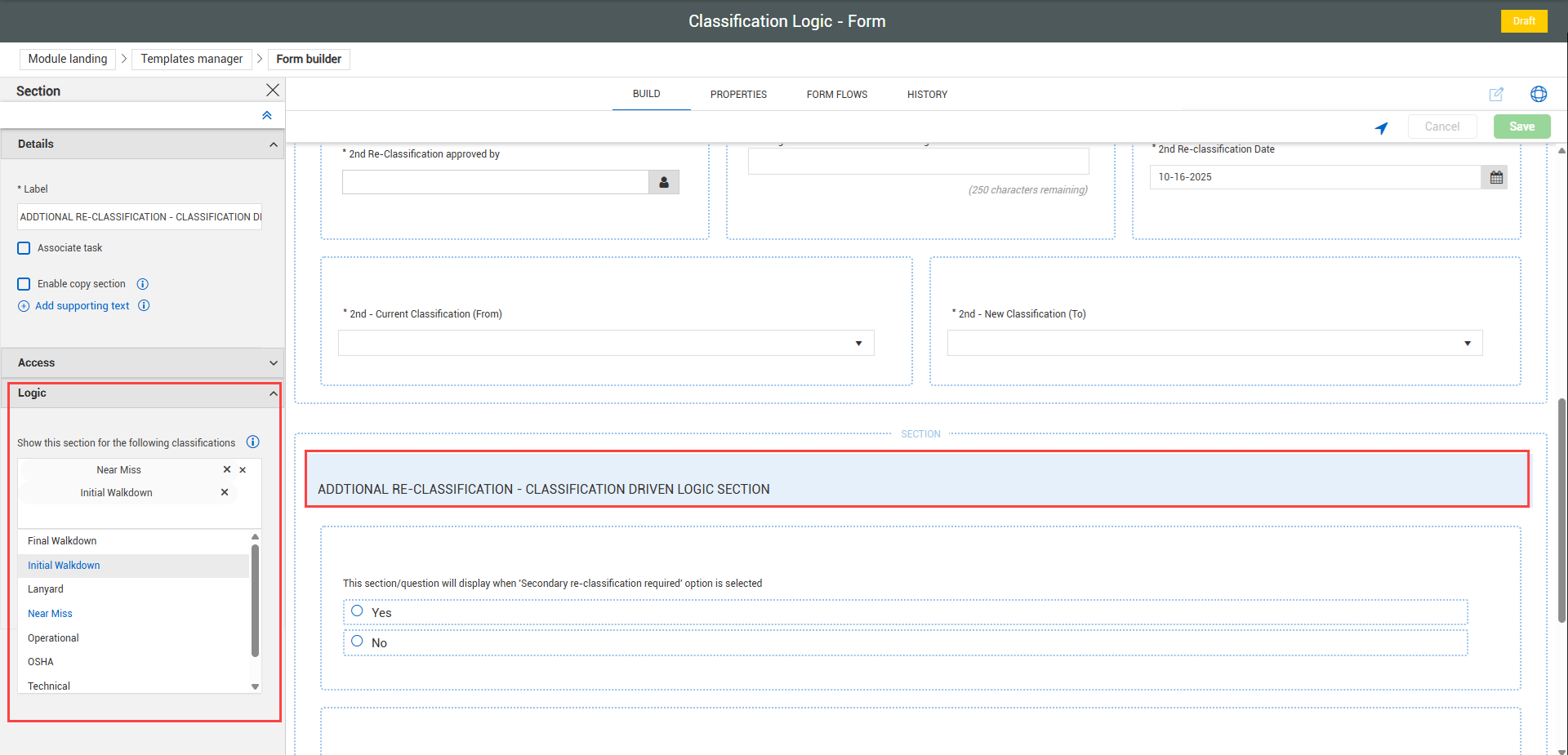
Creating logic within a template is a two-step process. First, use classifications to apply logic to a question’s response within the template. Then when that response is selected, the second classification you created on the Section header becomes visible for the user to navigate to.
Question logic:
Section Logic:
For more information, see Template Creation.
Considerations
-
You must have Level 3 – Account Admin permissions in InEight Platform or a Compliance or Completions role with the applicable permissions.
-
You cannot delete classifications used in published templates unless you first remove all template associations.
-
Classification logic applies to both forms and tasks.
To navigate to Classifications, see steps to access organization level settings in Settings overview.
Add a category
-
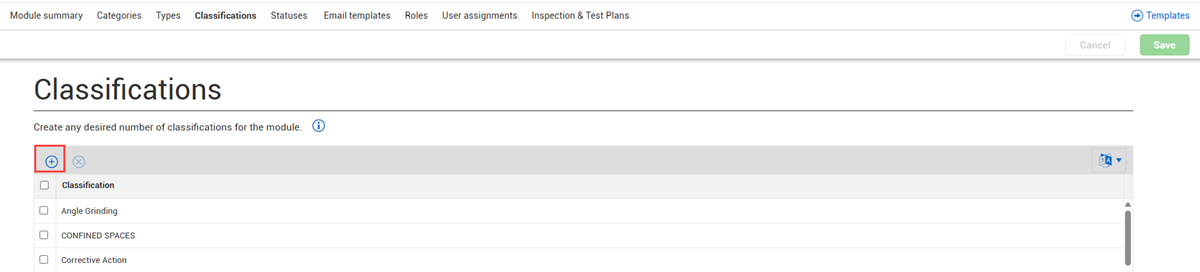
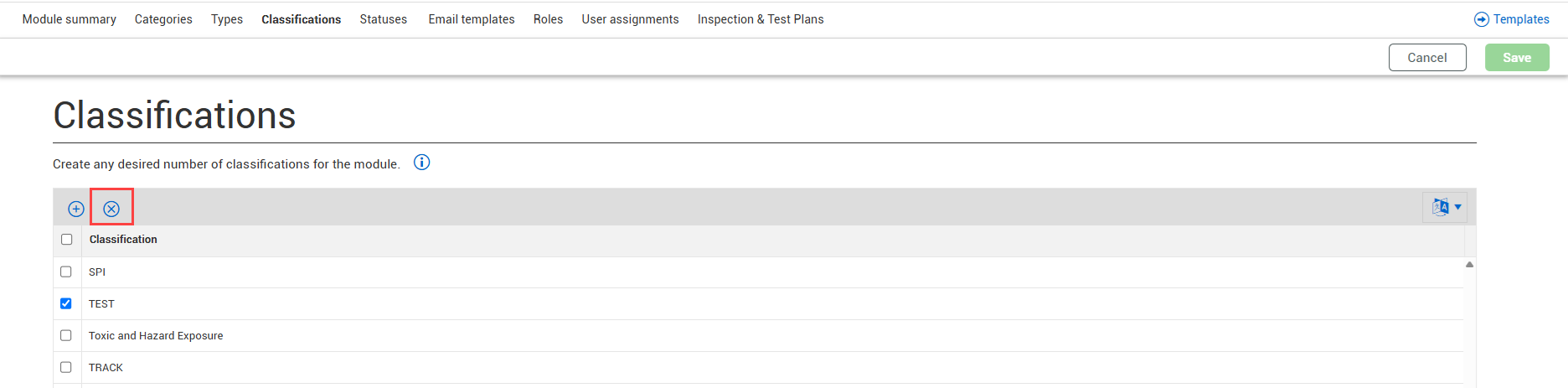
Go to the organization level in Module Settings > Classifications and then click the Add Classification icon.
-
Enter a name, and then click Save.
Delete a category
-
At the organization level and from within Module Settings > Classifications select the checkbox for one or more Classifications.
-
Click the Delete classification icon.