-
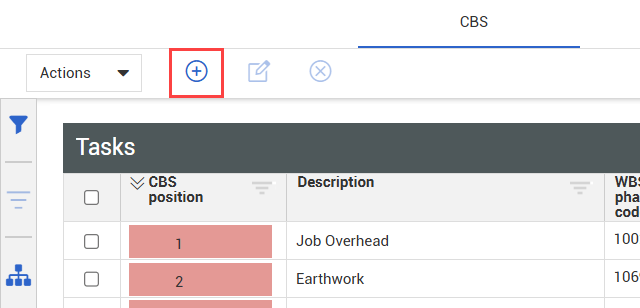
From the CBS tab of Control > Workspaces, click the Add Cost Item icon on the top left toolbar.
-
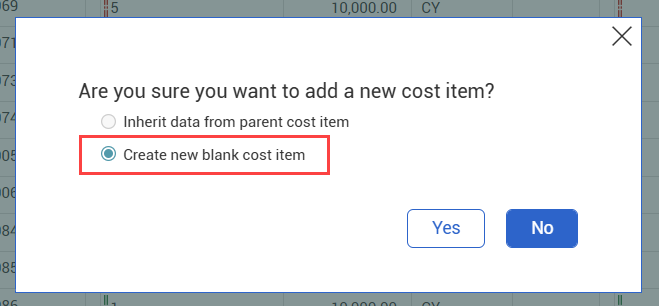
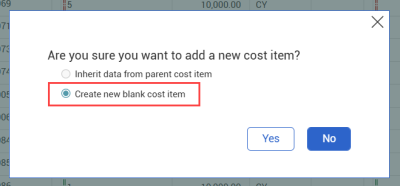
Select Create a new blank cost item, and then click Yes.
-
To specify the CBS position of the new cost item, first select an existing cost item from the CBS, and then click Add Cost Item > New cost item.
-
-
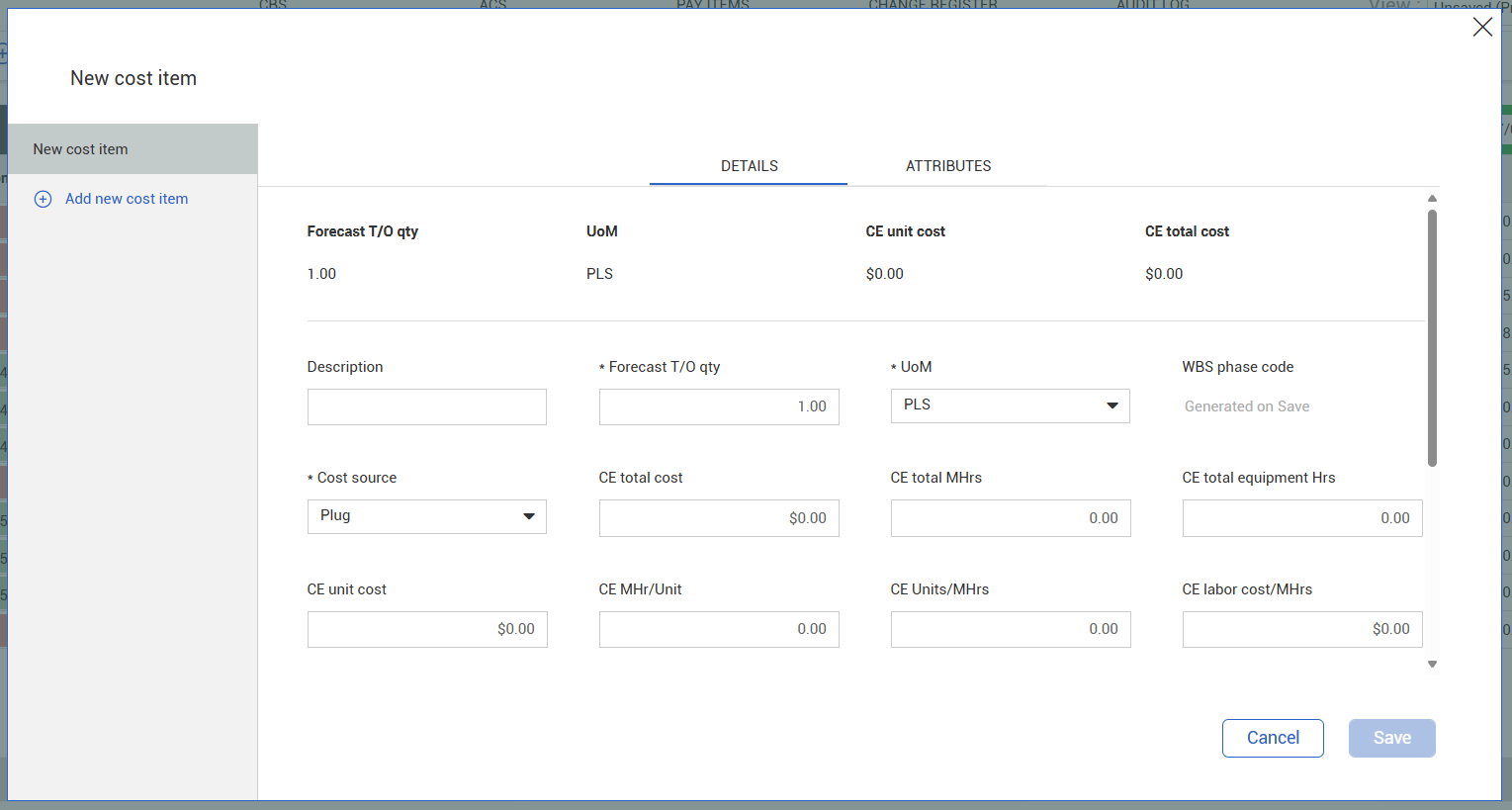
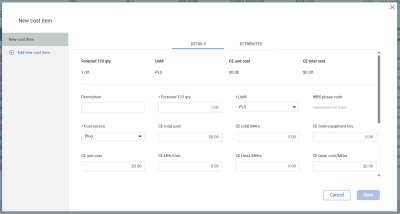
The New cost item dialog box opens to the Details tab. Enter the cost item details as needed.
-
When finished, click Save.