The Review (Y/N) is triggered from the Status assigned to the document. This then determines if there is a requirement for a document to be reviewed. A document that requires review is defined as restrained needs to be passed through a review workflow before it is released.
To define Review (Y/N) Rules:
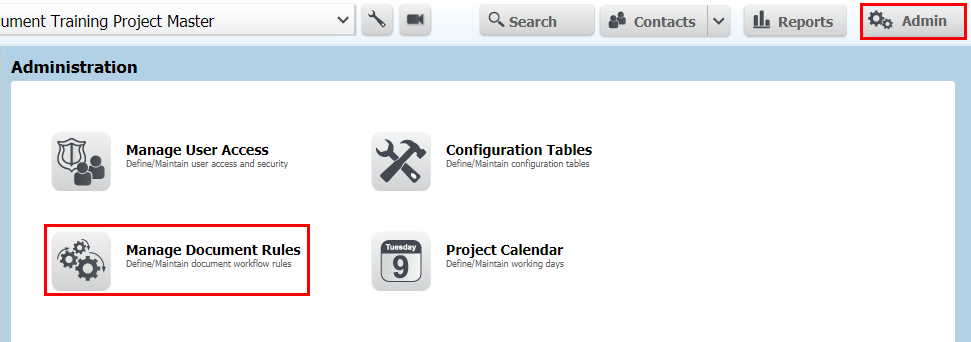
Go to Admin then Manage Document Rules.
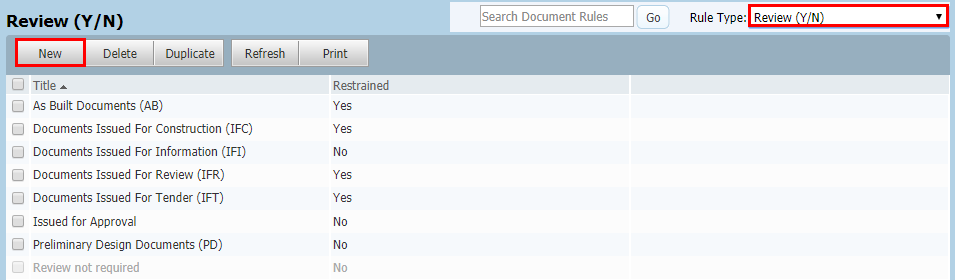
Select Review [Y/N] from the drop down list.
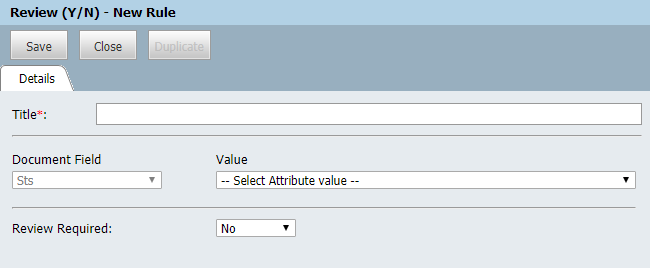
Click New and enter a Title.
Select the Status value.
Choose Yes or No against Review Required.
Click Save then Close.
Repeat steps for additional review rules.