Central user management
The central user management feature lets you manage users across projects in bulk. With central user management, you can be signed into one project and then perform administrative actions across multiple projects. Functions include adding contacts, making contacts inactive, and searching across projects in bulk.
Access central user management
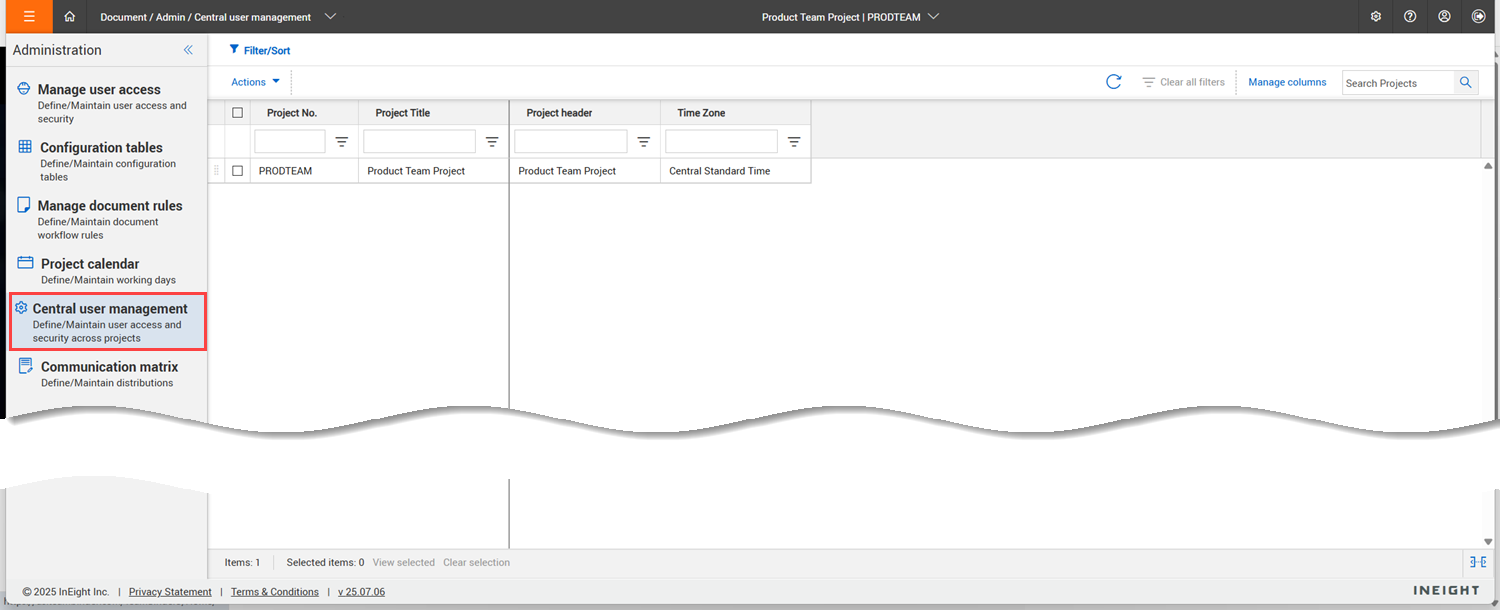
You can access central user management from the Admin > Manage user access menu.
The central user management option only shows when the Project > Miscellaneous > Enable central user management setting is selected. The central user management page lists all the projects you have access to that have central user management enabled. You can then select the projects you want to access, and expand the Actions menu to access the following functions: