Lot Status
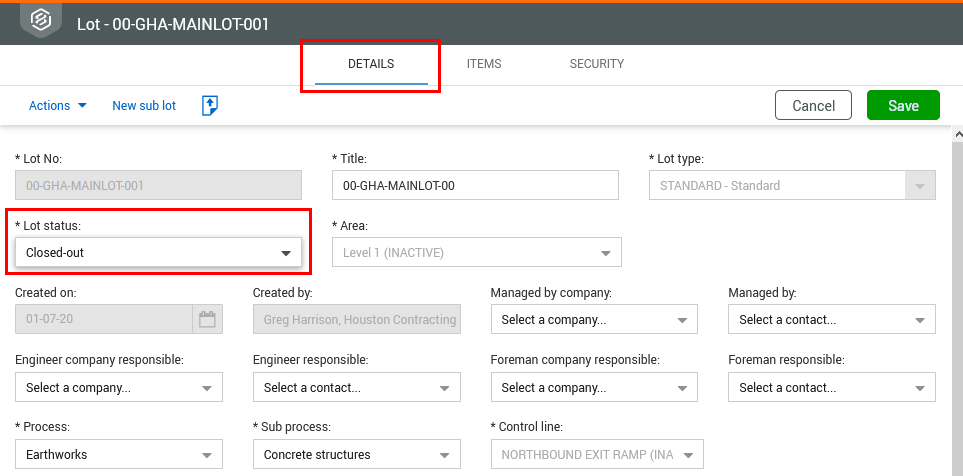
Lot status is managed from the Details tab of the relevant lot. You can change the lot status to make a lot inactive or to close out a lot.
Update lot status
Summary: Update the lot status to show progress.
-
Select the relevant lot or sublot.
-
Update the Lot status on the Details tab.
-
Click Save.
-
The lot status shows in the Lot register Lot Status column.
-
You might be prompted with a message when attempting to change the lot status to Closed out if all items stored within thelot are not closed out and the Lots project setting Module status must be closed prior to allowing item status to be changed at closeout has been enabled.