Document Mobile Lots register
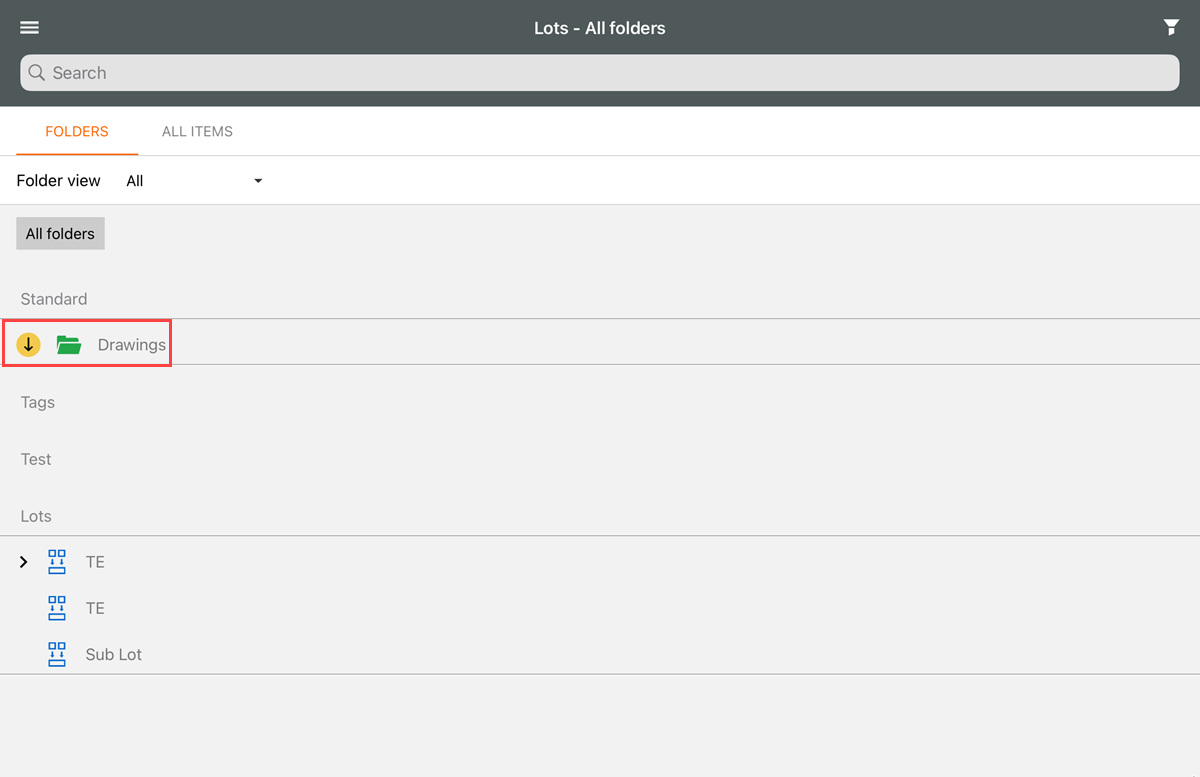
When you go to the Lots module, the Lots register opens by default. The module has two views: Folders and All items.
The Folders view shows the folders in the Lots register. In the Standard view, you can tap the folder to open it. You can also click the Download icon next to the folder to download all items.
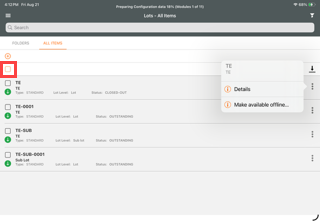
The All items views shows all lots. Each entry shows the following information:
-
Reference number
-
Title
-
Type
-
Lot level
-
Status
You can get additional information by tapping the ellipsis at the right of the entry and then selecting Details. You can select the Select all check box to select all items.
Click on a lot to open it.