Close out submittals

When all milestone dates have been marked as completed, you can close out the submittal. After the submittal is closed, it can no longer be edited.

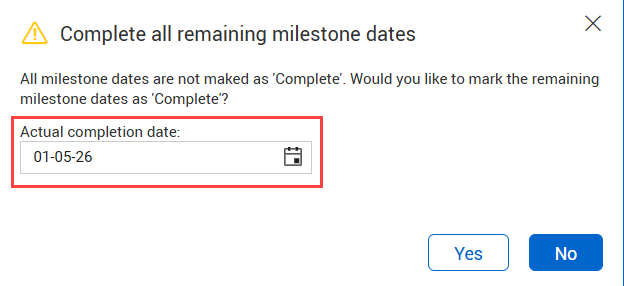
To close out a submittal, go to the Details page, and then change the status to Closed-out. If all the milestones have not yet been completed, you are prompted to complete those milestones. The Close out all remining milestone dates dialog box lets you select a completion date to close the milestones.

You can then send a transmittal that includes all the associated submittal documents.