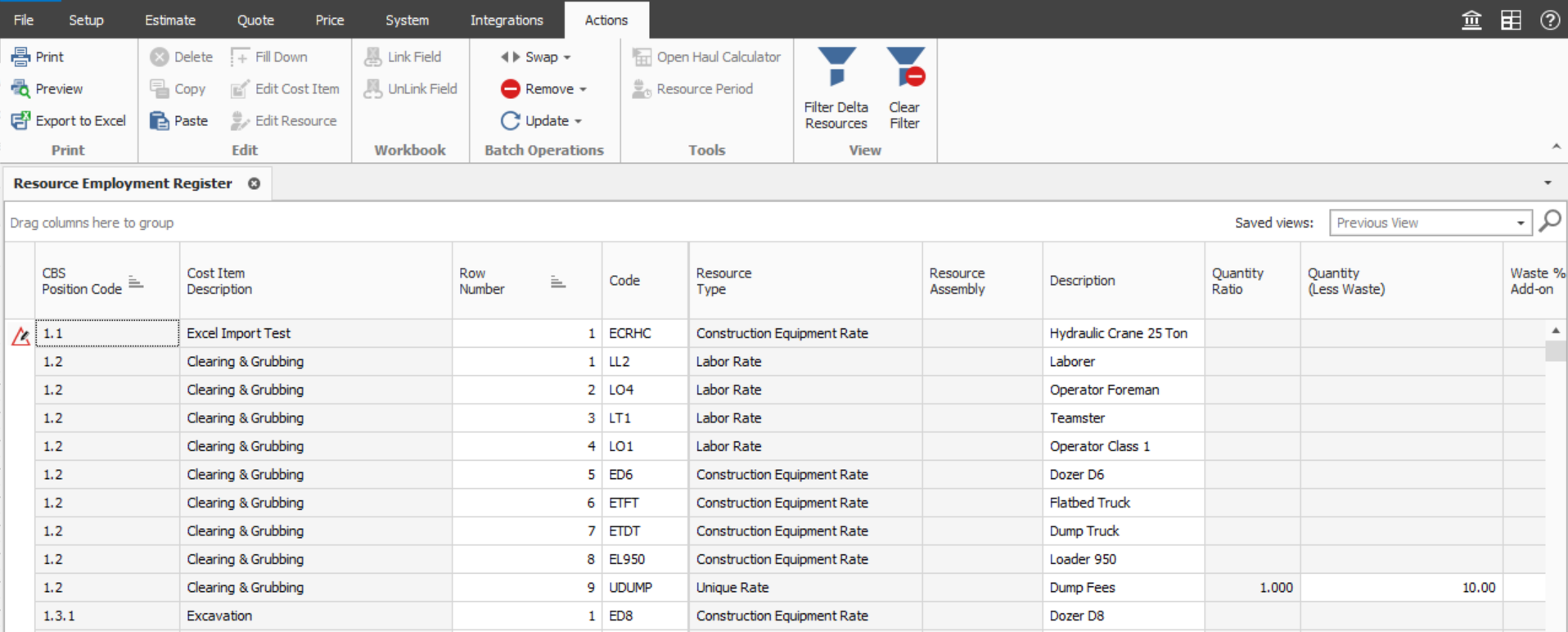
Resource Employment Register
In the closing hours of a bid, it might be preferred to make a last minute modification to a resource charge rate (that is, resource employment), such as overriding the cost of Concrete on various items.
Included in the Resource Employment Register is a detailed list of each individual resource employments, including its assigned cost item. Modifications can be made on an item by item basis.
This register lets you work with all resource employments for an estimate without the need to filter the CBS register down to specific employments.
The Resource Employment Register also provides you with flexibility in performing bulk operations such as editing multiple records at once. You can use the fill-down feature to quickly update data for all Resource Employments.
Follow the step by step below to open the register.
Step by Step — Resource Employment Register
-
From the Ribbon, select the Estimate tab.
-
Under the Resources section, select Resource Employments. The Resource Employment Register opens.
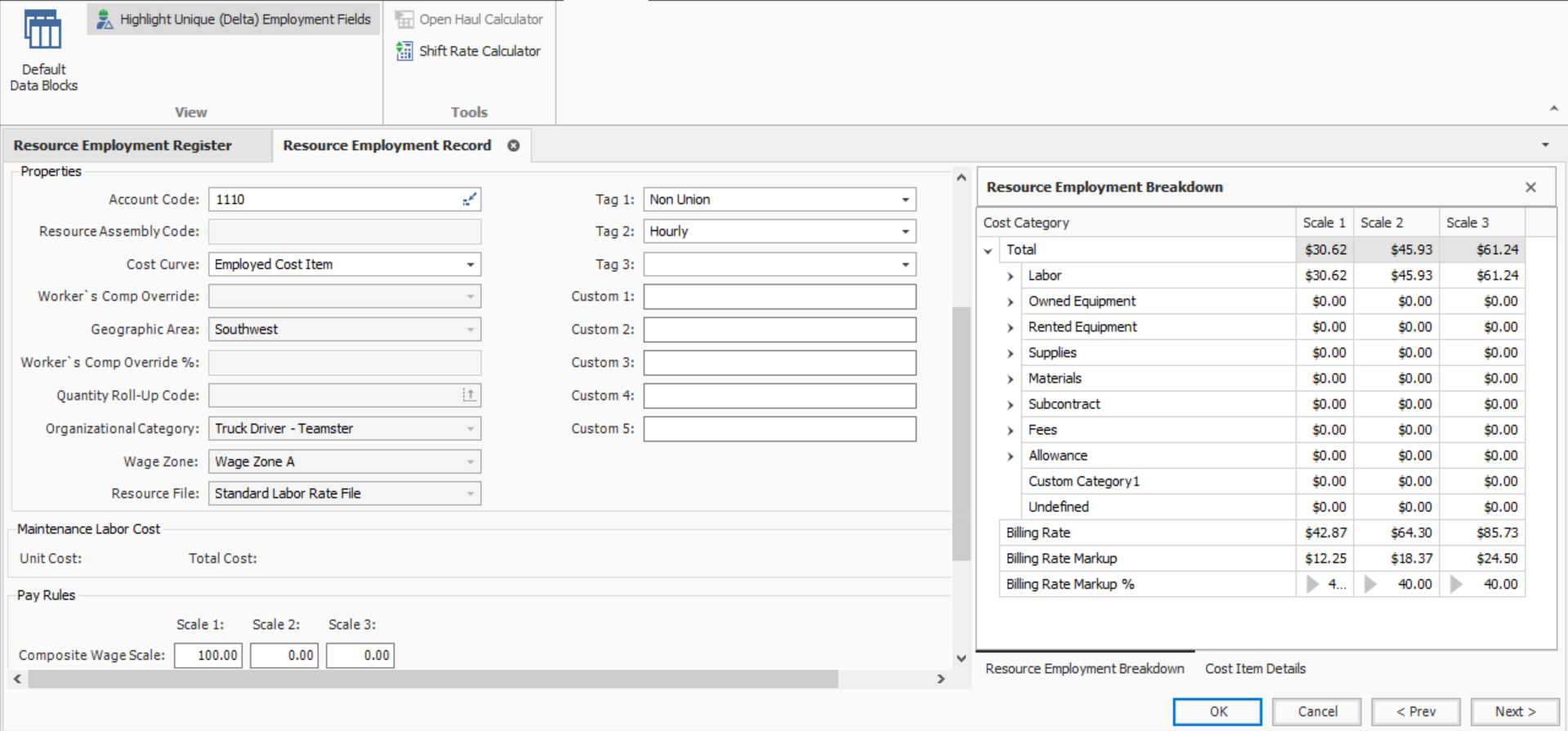
Resource Employment Record
The Resource Employment Record provides you with a concise view of all data related to a single record and lets you customize the employment separately from the Resource Rate Record in the Job Library.
Follow the step by step below to open the form.
Step by Step — Resource Employment Record
-
From the Ribbon, select the Estimate tab.
-
Under the Resources section, select Resource Employments. The Resource Employment Register opens.
- Select a Resource Employment you want to open in the Resource Employment Register.
- Double-click the Resource Employment. The Resource Employment Record now opens.
Double-click on an Employment in the CBS or cost item record to open the Employment record.