-
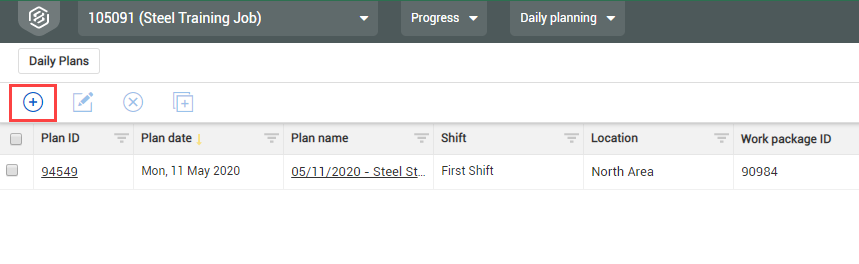
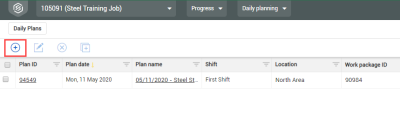
From the Daily Plans page, click the Add icon in the upper left corner.
-
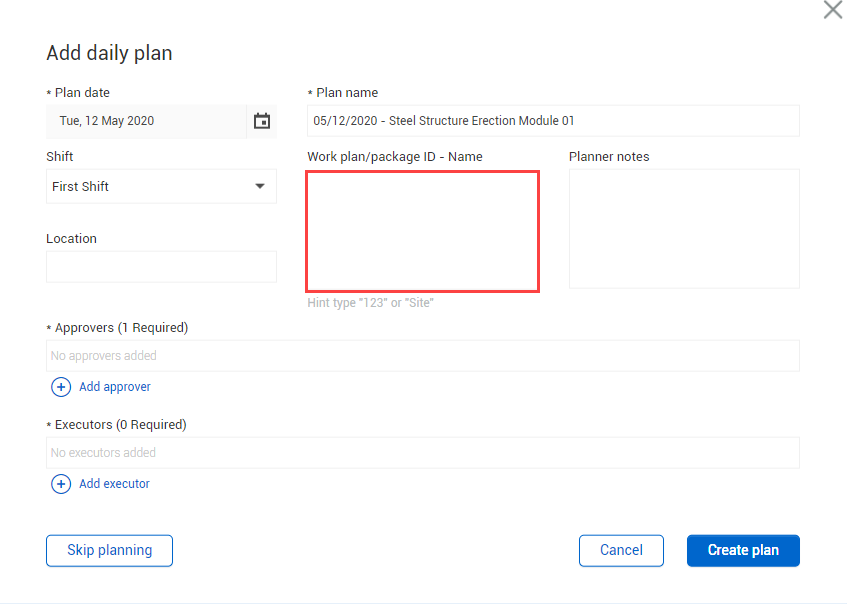
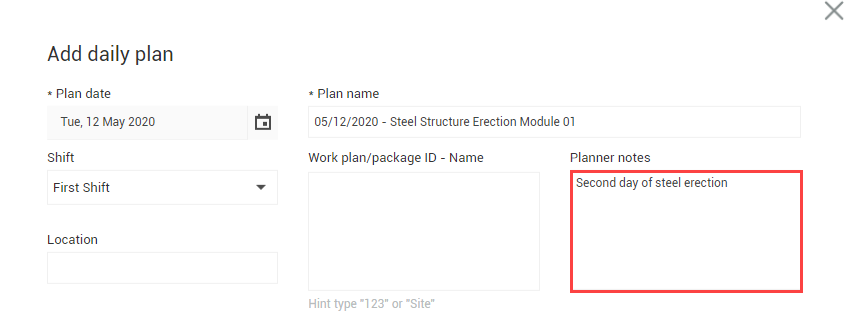
This opens the Add daily plan window
-
-
Click on the Calendar icon in the Plan Date field and select a date.
-
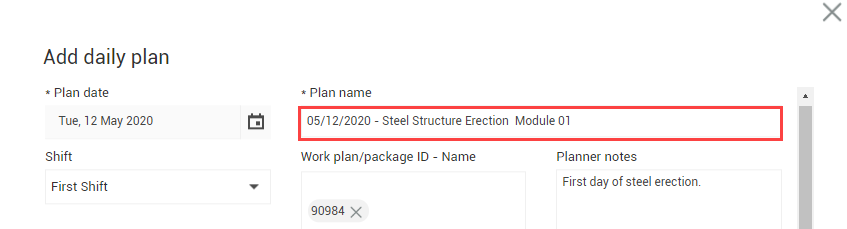
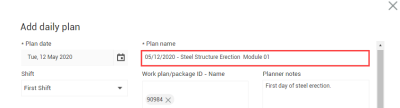
Name your daily plan.
-
Leave the Work plan ID field blank

-
-
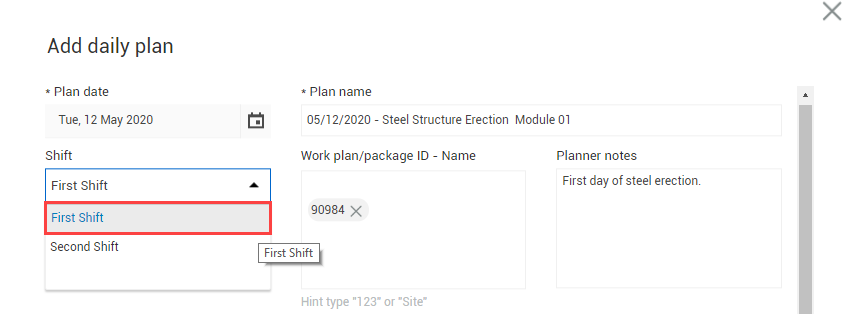
Select a shift from the drop-down menu of the Shift field.
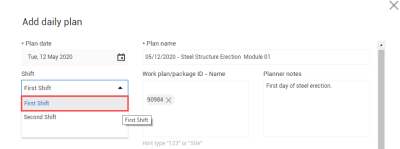
- Enter any notes in the Planner notes field.
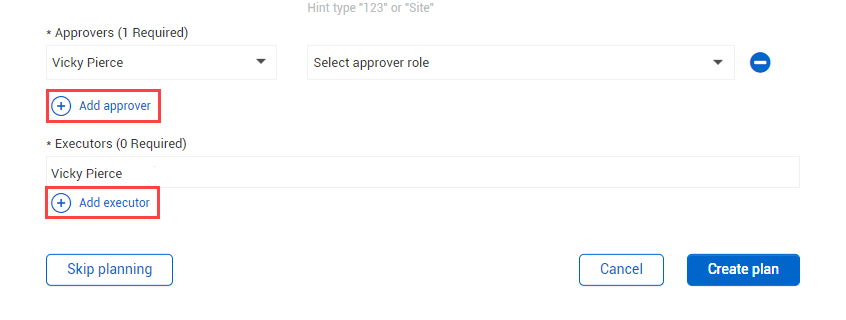
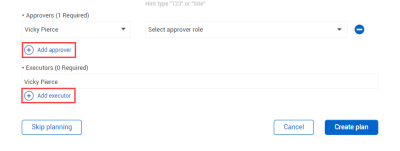
- Click Add approver and select someone from the drop-down menu.
- You may need to search for the name
-
Click Add executor and select someone from the drop-down menu.
-
Click Create Plan.
Do not click on the Skip Planning button; this will push the daily plan directly to the Execution Phase.