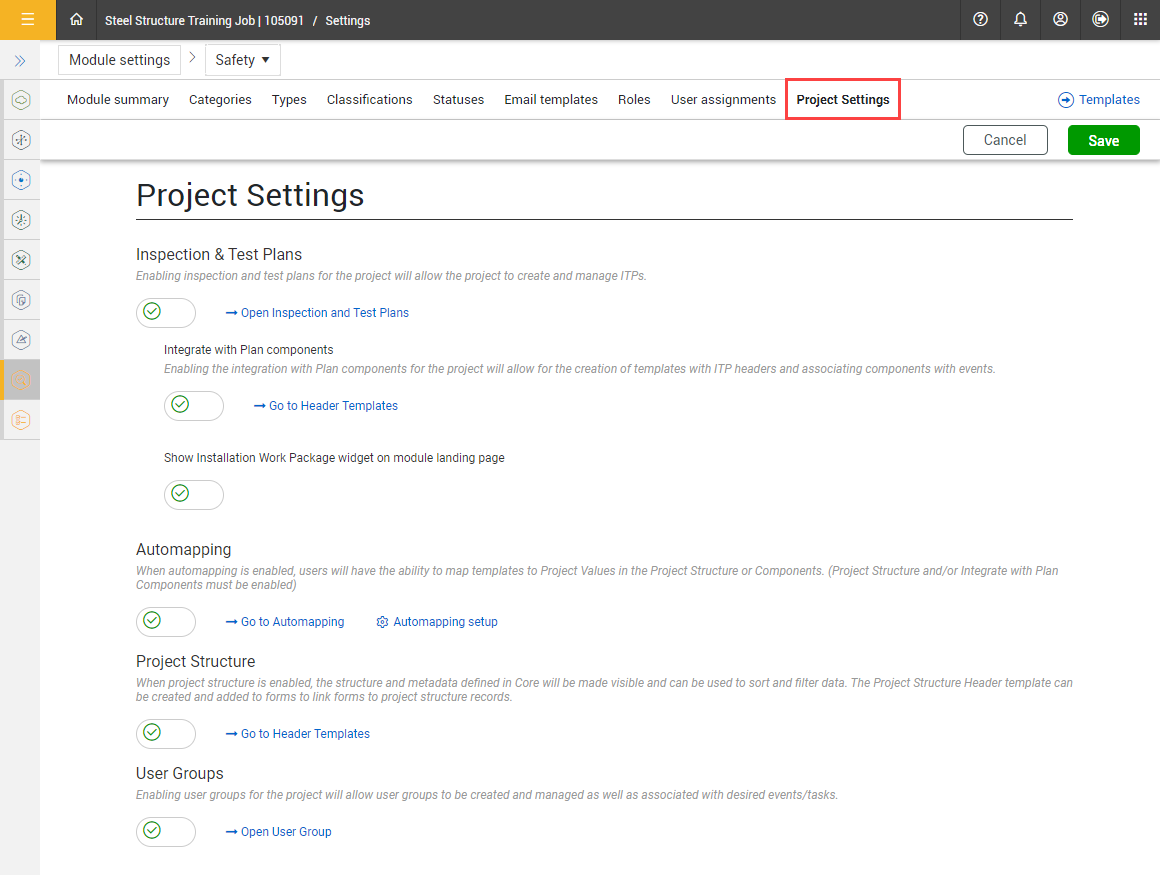
Turn on project-level settings in either the individual Compliance modules or in Completions to manage the projects' business processes. These settings are applied throughout the project.
In Project Settings, you can manage the projects' ability to use the following features:
Inspection & Test Plans
Integrate with Plan components
Show Installation Work Package (IWP) widget on the module landing page
Project Structure
User Groups
Components
These functions can be enabled on a project-by-project basis.
Administrators can manage roles and user assignments at the project level. For more information about managing role, see Roles. For more information about managing user assignments, see User assignments.
You must have a Level 3 – Account Admin role in InEight Platform or a Compliance or Completions role with the applicable permissions.
You are only allowed to view and cannot manage other product and module settings that have been configured at the organization level. To manage, click the Modify at the root level organization icon at the top of the page.

For more information about the project settings at the organization level, see
Go to Project Settings and follow the instructions in Settings overview, and then click the Project Settings tab.