Suite Administration
User Management
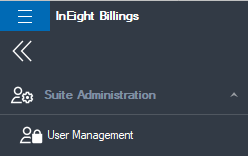
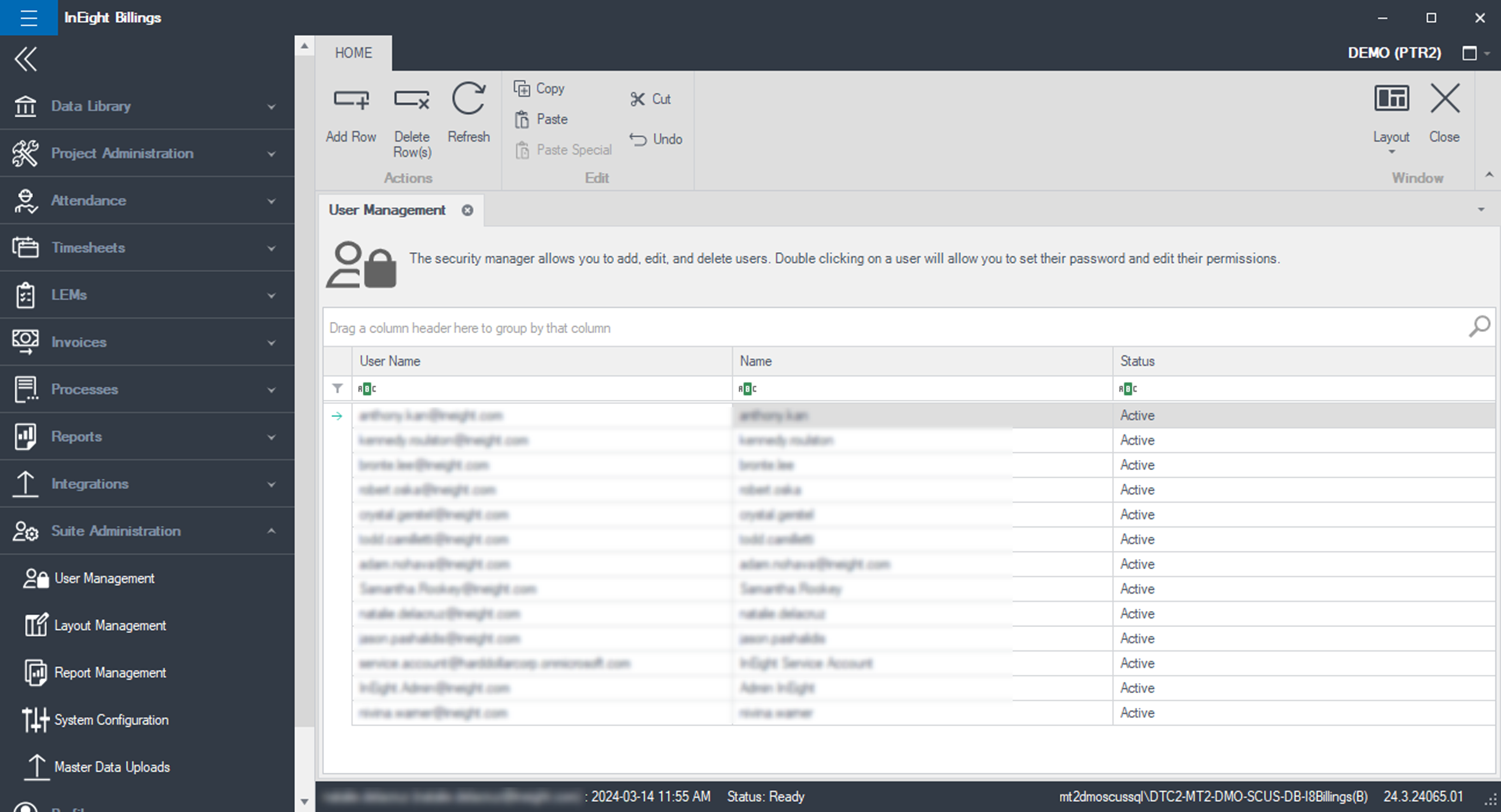
To access user information from the Main menu, click Suite Administration > User Management. Only an Administrator can access the Suite Administration or the User Management functionality.
The User Management tab opens listing all users in the system.
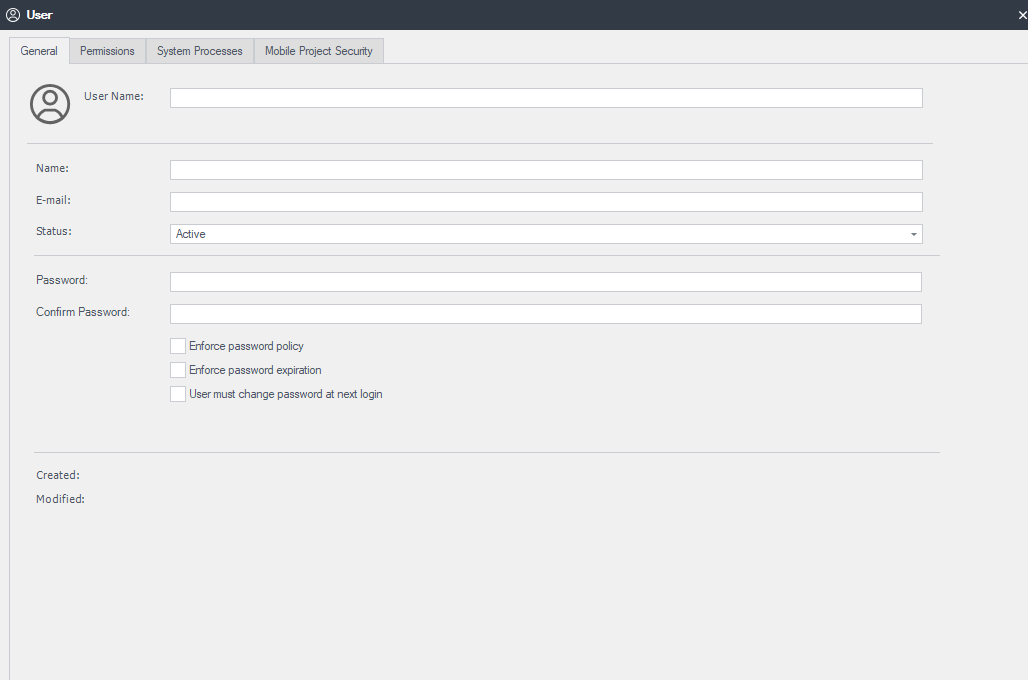
When new users are added through Platform, they are automatically created in Billings as a standard user, provided the appropriate suite and application access is granted through the InEight suite Roles and Permissions. User authentication is performed through the customer’s Active Directory or Google security validation, including any MFA requirements, therefore no Billings-specific password is required. Once a user exists in the system, the Administrator can enlist the user in Billings user types and groups, as well as grant the user access to one or more regions. You can open a user record to define its settings by double clicking on the user from the list.
You must have a status of Active, be a member of at least one security role, and have access to at least one Region before the system will allow you to complete the login process.
Permissions Tab
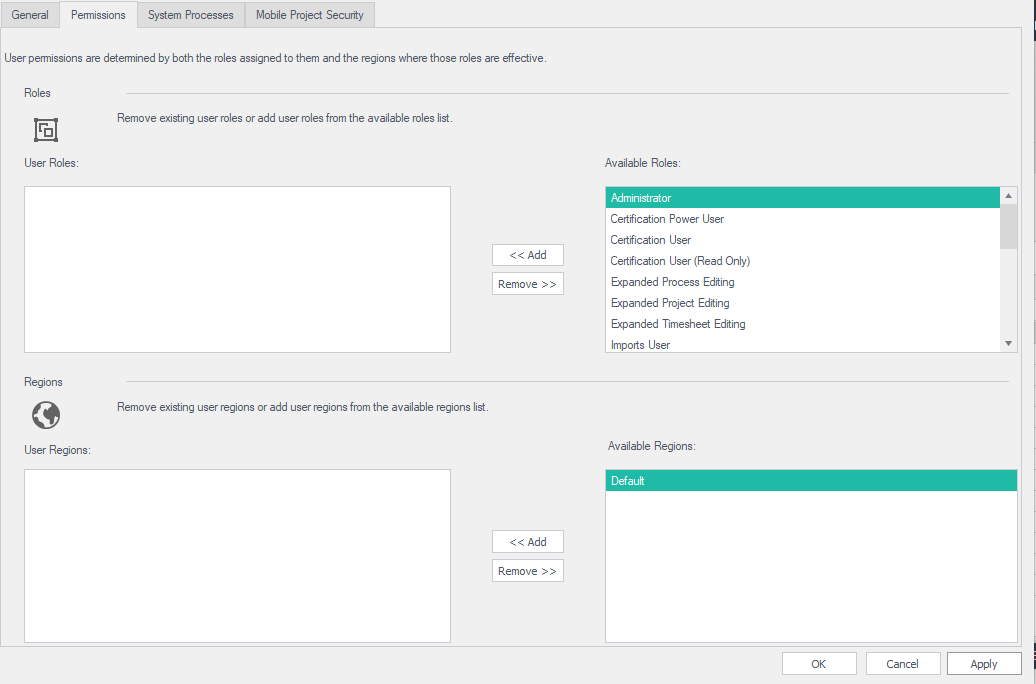
As an administrator of the system, you control the type of functional access the user will have and can restrict access to data by region utilizing the Permissions tab. Roles allow you to control which functions of the system the user will be able to utilize. More than one Role can be associated with a user. Regions allow the Administrator to control which data in the system the user will be able to see or operate on, as constrained by the Role membership defined above.
System Processes Tab
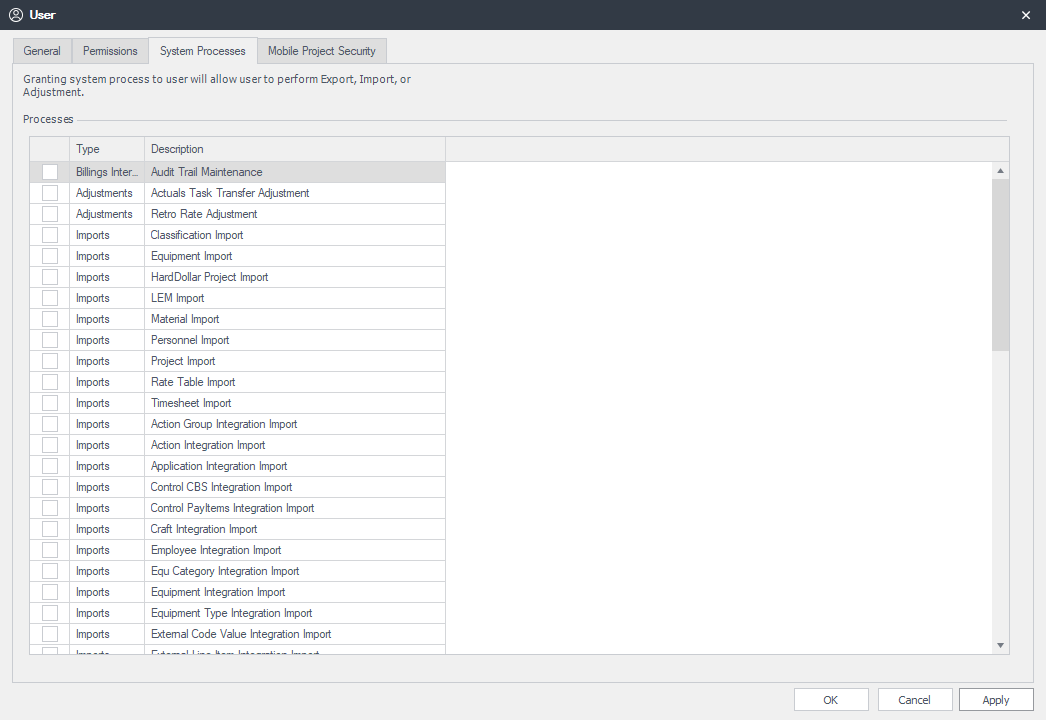
On the System Processes tab, you can control the types of imports, exports, and adjustments the user can execute. To grant access to any process, check it off using the check box located next to the process description.
Select the OK or Apply button to save any changes. This will return you to the main User Management tab.
Regions
Regions are used to manage what users can see within Billings. If a user has permission to a Region, they can see all resources, rate tables, projects, time sheets, LEMs, and Invoices associated to the Regions they have permission for.