Importing a Timesheet
Billings lets you import multi-project or multi-day time sheets from a spreadsheet if the correct template is used.
Import a time sheet
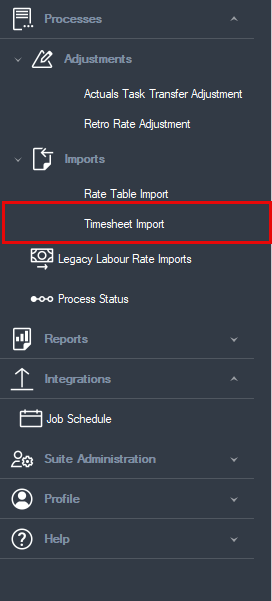
1. Processes > Imports > Timesheet Import.
The time sheet Import window opens.
2. Click the Create Import button. The Import Definition dialog box opens, and you can specify the file containing the timesheet data that you want to import. Billings previews the file contents in the time sheet Header, Personnel, and Line Items tabs.
3. You can edit the data in the import window in Billings to correct any errors that are reported. After you have corrected the errors, click OK to revalidate the data. This lets you correct errors in the import file without having to edit the file itself.

/Billings Setup_212.png)
/Billings Setup_213.png)