Tag Data Exporter
The Tag Data Exporter provides the ability to identify a Tag to pivot off of. It also lets you identify your desired related tags to include in an export of model metadata into a CSV file. The configurations can be saved for repeatable use. These configurations can also be imported and exported as needed for other projects.
Export Tag Data to CSV file
- Right-click the Tags tab in the Tags and Objects panel.
- Select Tag Data Exporter....
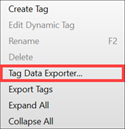
-
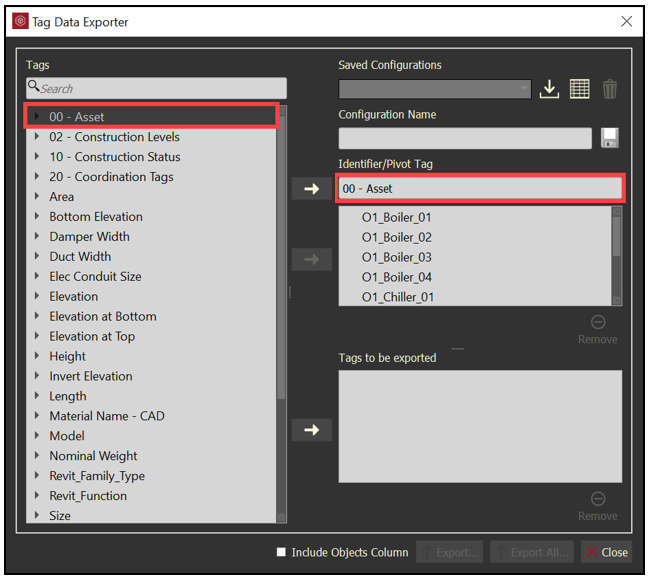
Select a Tag, and then move it to the Identifier/Pivot Tag field.
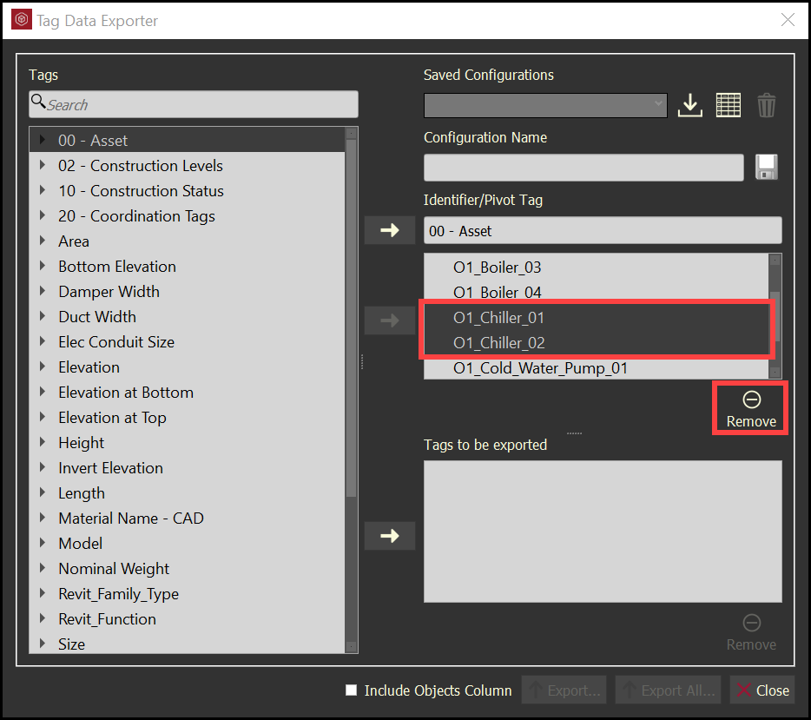
- You can be specific with the Tag values by removing any values that you do not want to be a part of the export. Select the tag values, and then click Remove .
- You can also be specific with the Tag values by selecting your values, and then moving them into the Identifier/Pivot Tag area.
-
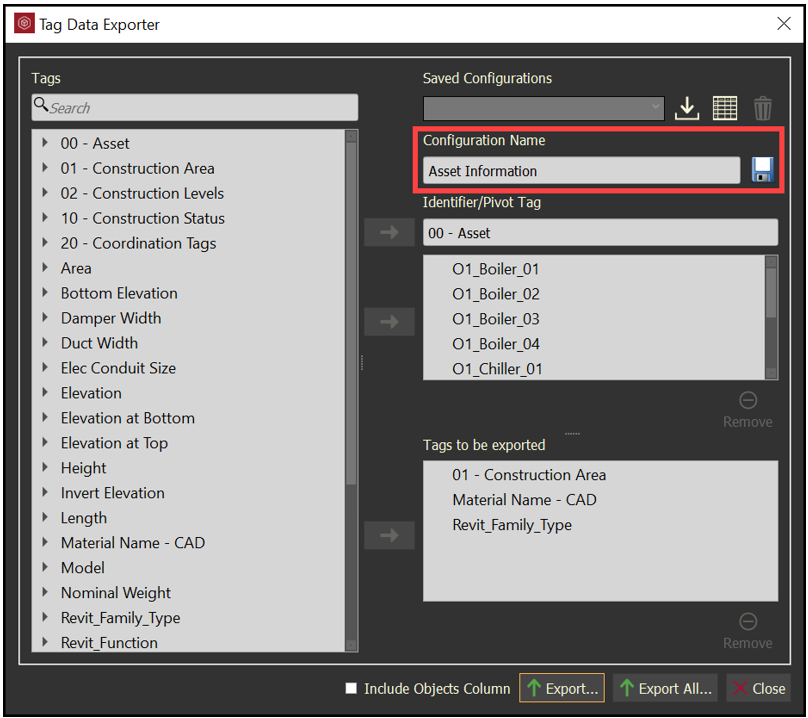
Select additional Tags, and move them to the Tags to be exported field.
-
Enter a Configuration Name and click Save to access this configuration again.
-
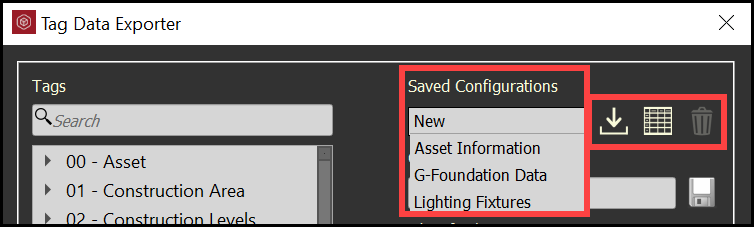
The saved configurations can be imported, exported, and deleted.
-
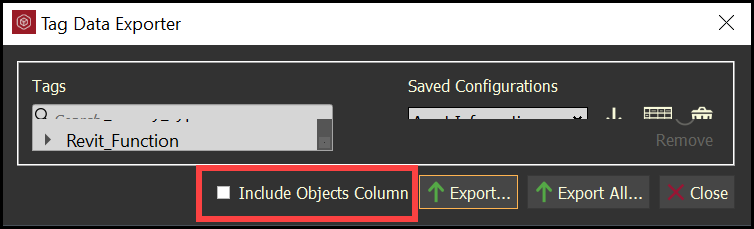
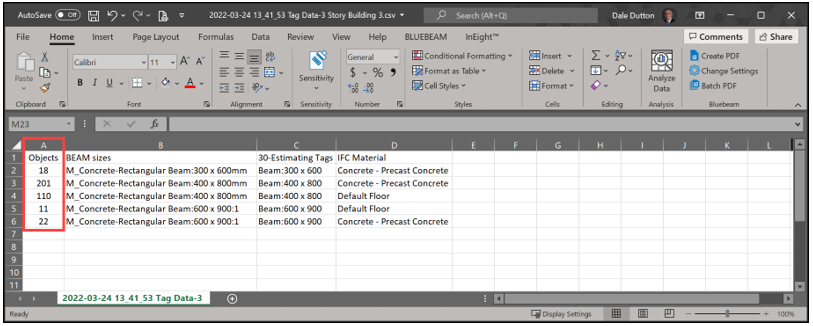
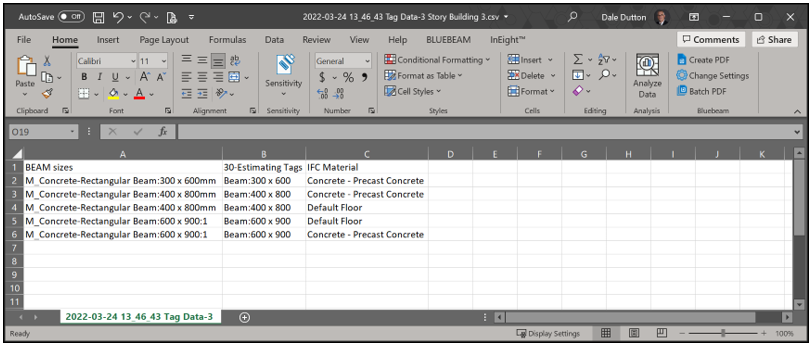
Toggle the Include Objects Column if you want the data exported to be combined into like rows according to the data with a leading column providing a count of objects meeting that row of data.
-
Click Export All… to export all data related to the configuration into a CVS file.
-
Click Export… to only export data related to the configuration and the model objects currently selected.