Dynamic Headers Toggle
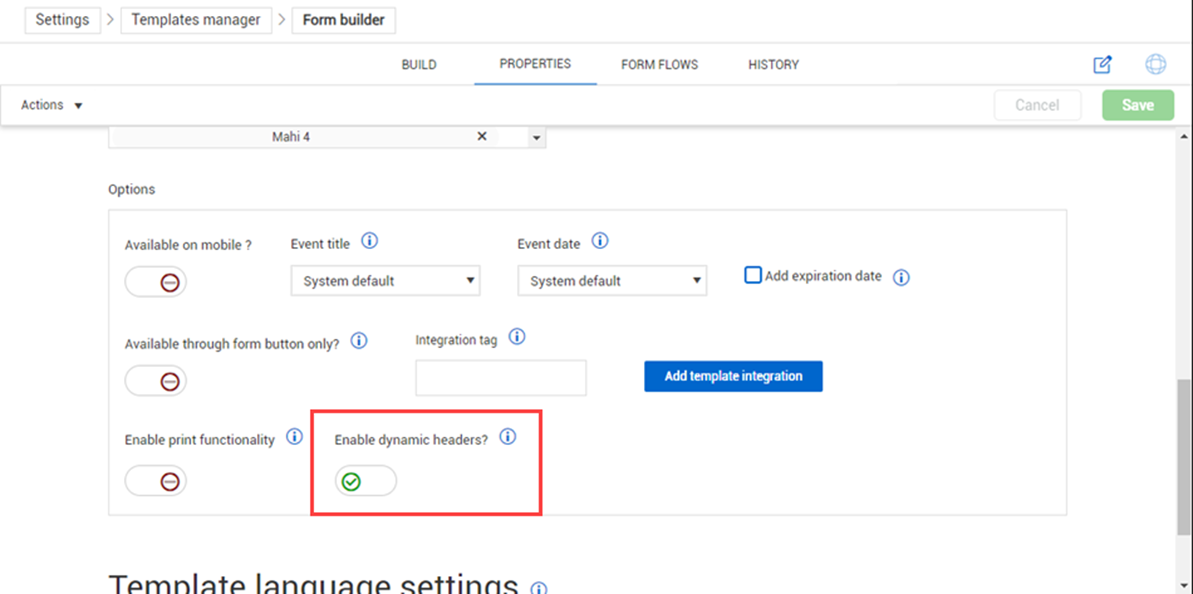
ITP and Project Structure dynamic template headers are used to enhance your template forms. You can enable and disable the use of header templates created for your project using the Enable dynamic headers? toggle feature in your template properties.
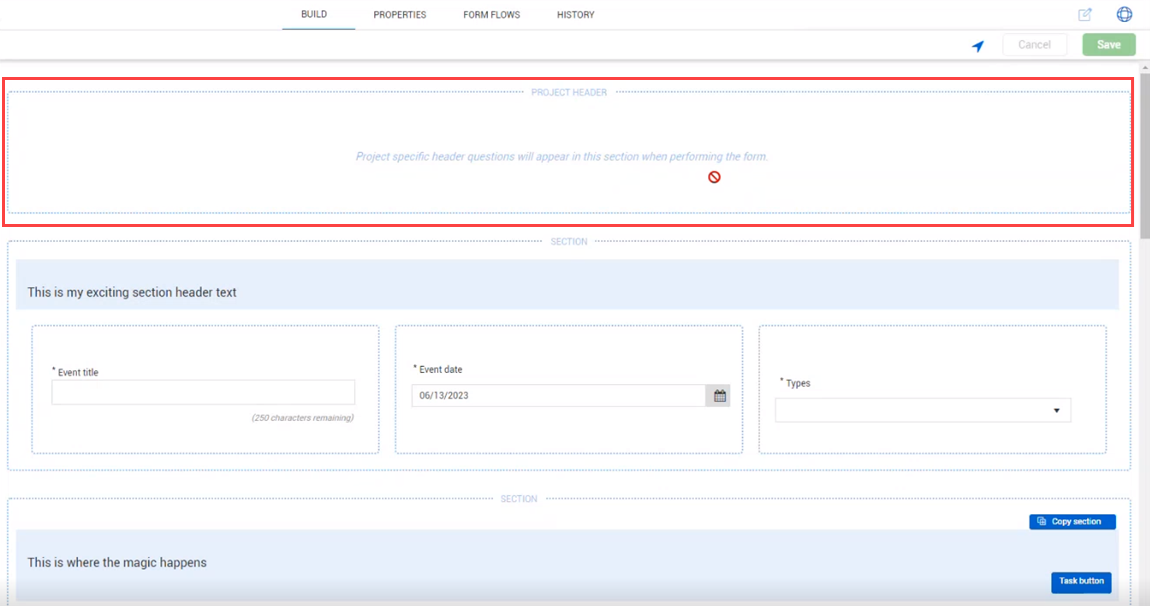
When enabled, the Project Header space will dynamically show to serve as a placeholder at the top of the form and the form will show in the Manage associations page to associate headers to your form.
Inherit dynamic header responses in child forms and tasks
You can choose whether dynamic header responses from a parent form are copied to a child form or task when you create it. This helps you avoid entering the same information again and keeps related activities consistent.
To inherit dynamic header responses:
-
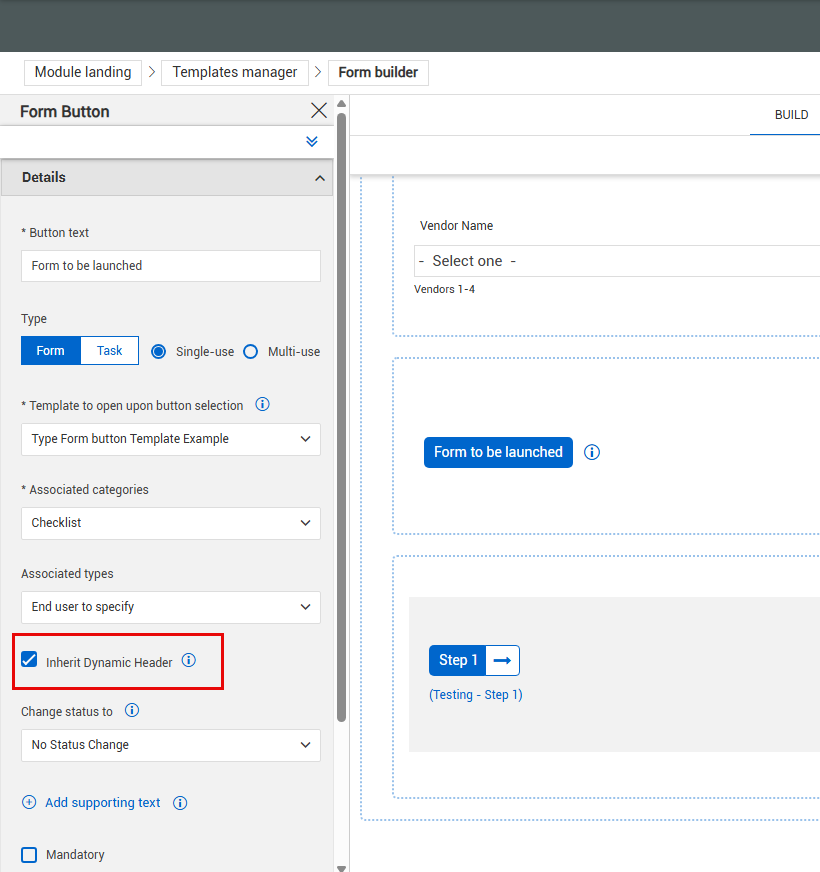
Open the form button configuration for the parent form.
-
Select the Inherit Dynamic Header option.
-
Save your changes
When you create a child form or task from the parent form, Completions copies supported dynamic header responses to the child form.
Supported data includes:
Changes you make to the dynamic header responses after the child form or task is created are not synchronized between the parent and child forms.