Additional details
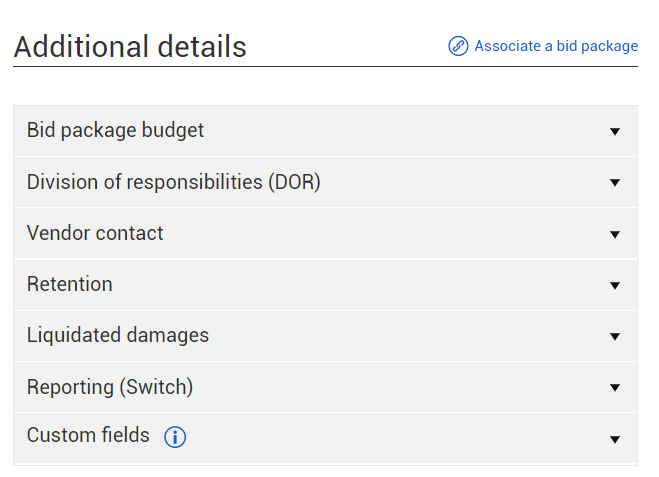
The Additional details section of the Header tab includes expandable sections for detailed contract information.
| Field/Section |
Function |
|
Associate a bid package
|
Prompts a window containing a list of all unassociated bid packages in the project. This feature allows you to associate a bid package to the contract after creating the contract.
|
|
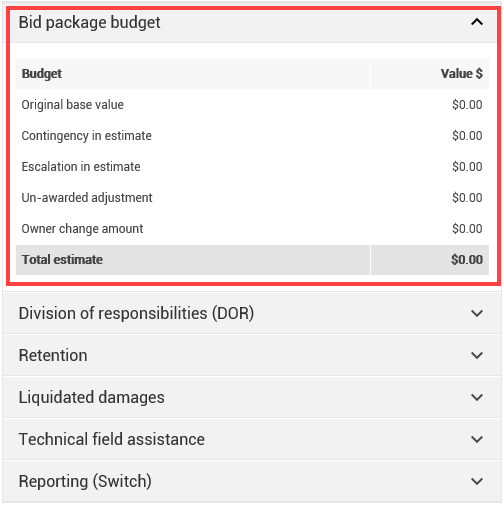
Bid Package budget
|
Generates a quick look on where production is from the budget.
|
|
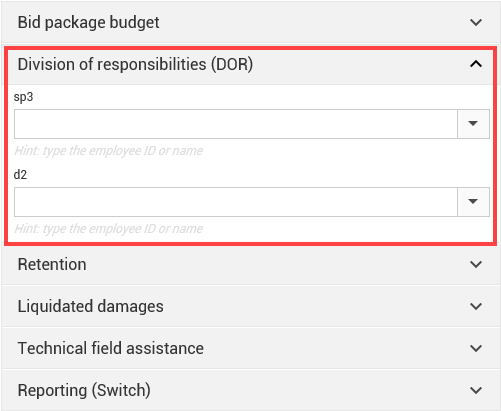
Division of Responsibilities
|
Comes over from Bid package when converting.
|
| Vendor contact |
The project assigned contacts associated to the contract vendor, or you can enter any name in this field. |
|
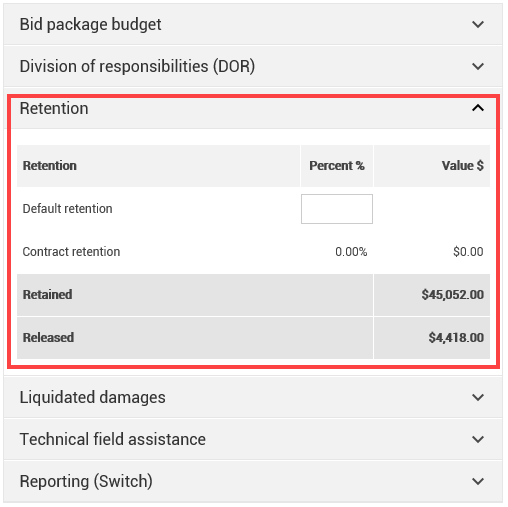
Retention
|
Amount entered will pre-populate each line item for hold back during invoice payment.
|
|
Liquidated damages
|
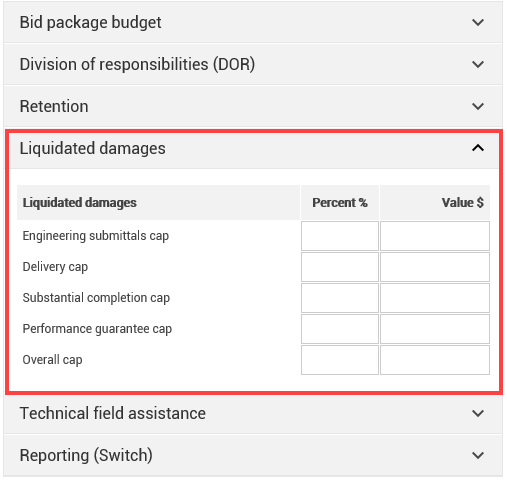
Free text entry in terms of percentage or $ value. Maximum allowed liquidated damages per the contract.
|
|
Technical field assistance
|
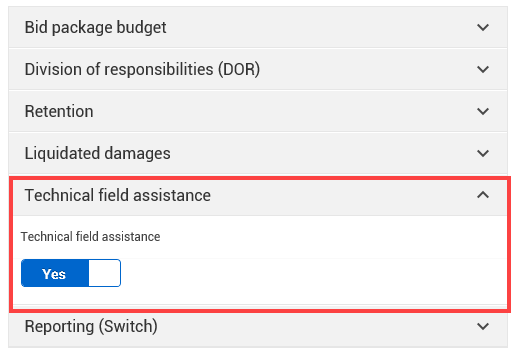
Select Yes or No to specify vendor or supplier to provide on-site commissioning or training.
|
|
Reporting (Switch)
|
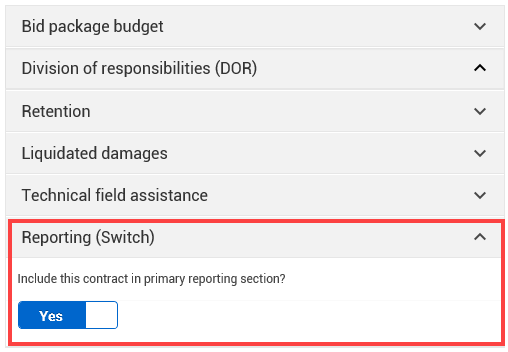
Allows some contracts to be omitted from standard reporting. Typically used for low risk contracts which don’t require high visibility.
|
| Custom fields |
Fields you can use for entering information that is not covered on the tab. |
Bid Package Budget
Gives you a glance overview of the budget running against the bid package associated to your contract.
Division of Responsibilities (DOR)
These are roles that will be available to assign a person to when creating a bid package in Project Settings.
You can remove a role from being needed on a bid package. The drop-down for that role will then not appear when creating a new bid package.
Vendor contact
Vendor contacts are defined in the project Assigned contacts associated with the contract vendor. Use the Vendor contact section to select a contact to be the primary contact for the contract.
If there are no contacts defined for the vendor, the list is empty and you cannot add a contact. If a vendor is changed or removed from the contract, the contact is removed.
Retention
Retention is the amount of money that is held back from each invoice until the contract is complete. A contractor will always want to retain (hold back) a certain percentage of each invoice, as it ensures that the vendor or subcontractor will continue to work until their scope is complete. In some cases, retention will be waived. This typically happens when the relationship between vendor and contractor is strong. In some cases, you will want to waive the retention; this is a case by case decision your company would make.
The amount of retention appears on each line item in the contract but is editable to suit those lines which should not have retention.
Tax Jurisdictions
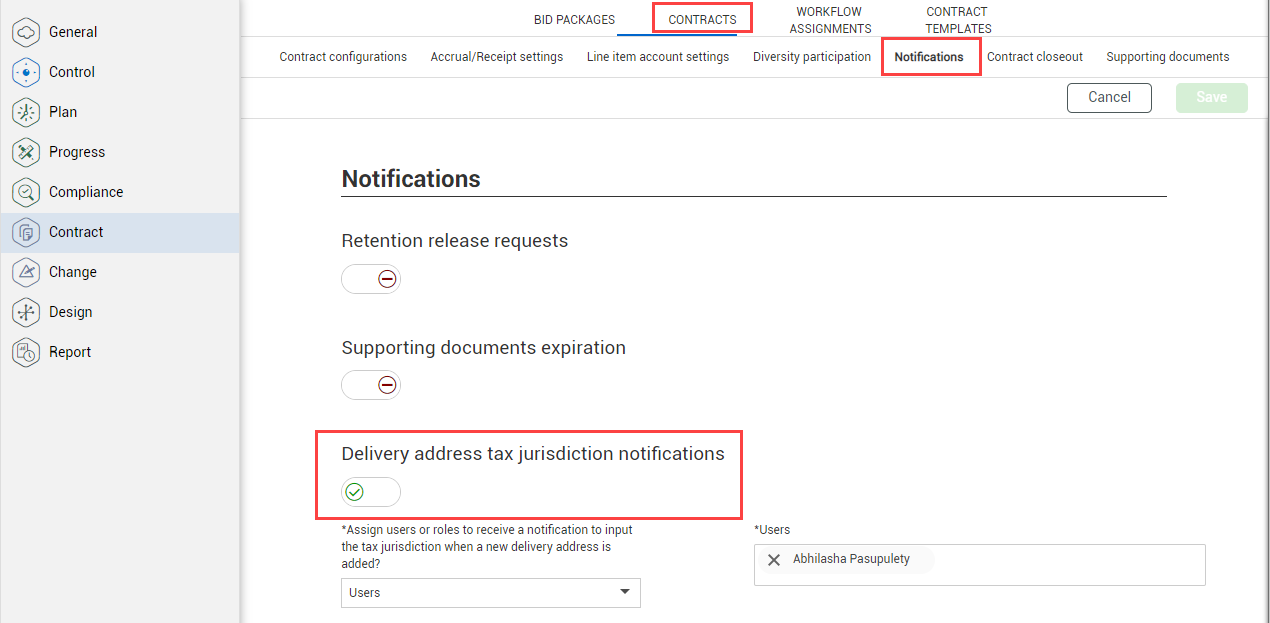
All organizations do not require a notification with a tax jurisdiction, selecting the Tax Jurisdiction notification has a toggle On or Off. These are for clients which do not have a tax system. Access this toggle from the Organization settings > Contract > Notifications.
Liquidated Damages
Liquidated Damages will occur when your vendor or subcontractor fails to meet milestones, material delivery dates and other specific dates that have been agreed on in the terms and conditions in the executed document. Many times, this will result in financial compensation.
Technical Field Assistance
Technical Field Assistance is used when your contracted vendor or supplier is specified in the contract to provide field personnel for on-site commissioning or training. When a contract has technical field assistance written into the vendor contract, those specifics can be added to the Technical field assistance section in the Header tab. You can enter the Description, Contracted Quantity, Unit of Measure, Unit Price, and comments for the purposes of tracking assistance from the Vendor. All this information must be a part of the signed executed contract with the Vendor or subcontractor.
Adding this to your contract will give you the capability to track your budget for your technical field assistance. This helps as a tracking tool to reduce overruns.
Reporting (Switch)
The reporting toggle allows you to include or exclude each contract from reporting functions. Toggle the button to “Yes” if you want this contract to show up in reports, (e.g., Buyout Log, Procurement Status Report).