Contract terms
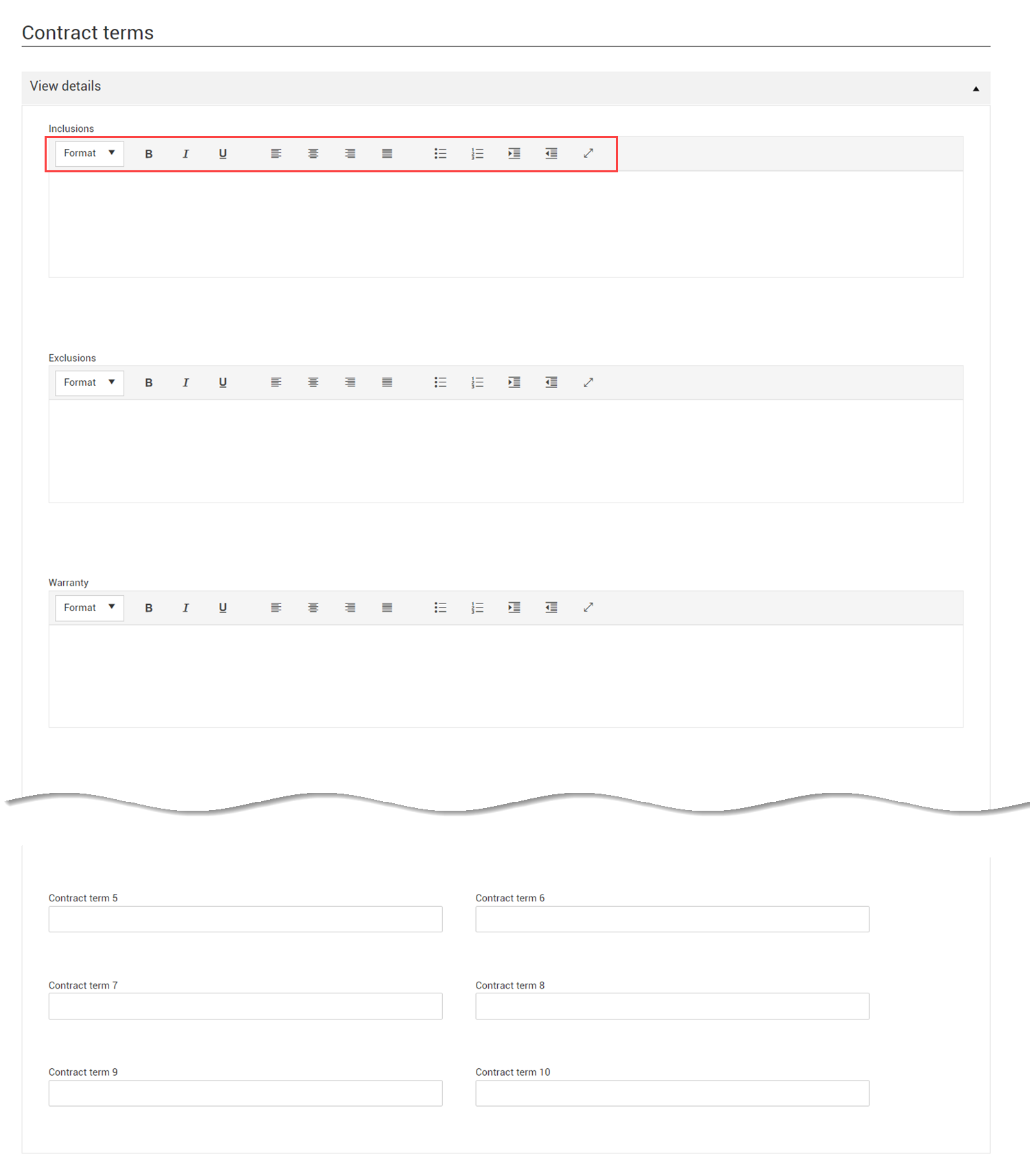
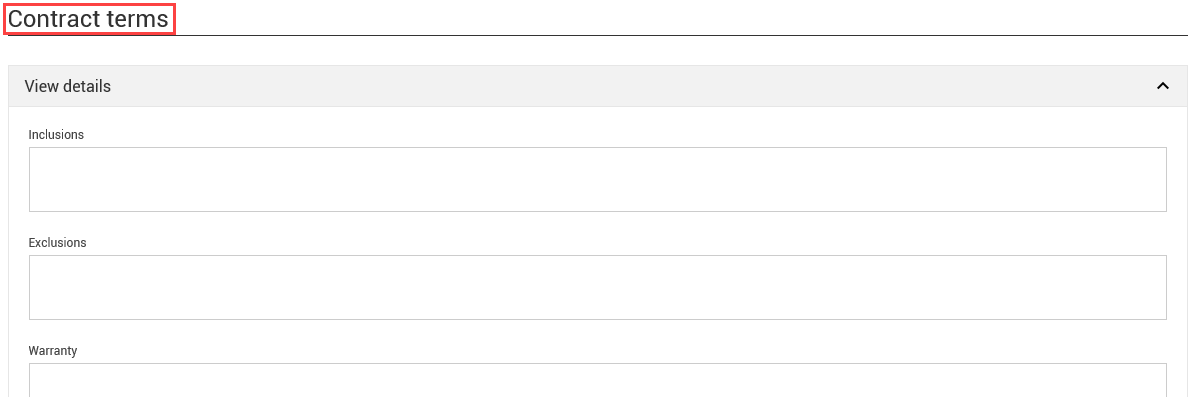
The Contract terms section of the Header tab includes free-text fields where you write the language which is in the physical contract document, such as inclusions, exclusions, warranty information and other contract terms. You can expand the View details section for easy text entry and viewing. You can collapse the section when you are finished.
Some contracts have paragraphs for inclusions that list all the items that are included in the contract. A contract manager would write in that field and then use the tag for inclusions in Contract writer to generate the Microsoft Word document.
If you are not generating the Word document from Contract, you can use the field to write what is included and then use that field for reference, so you do not have to open the scanned contract to read.