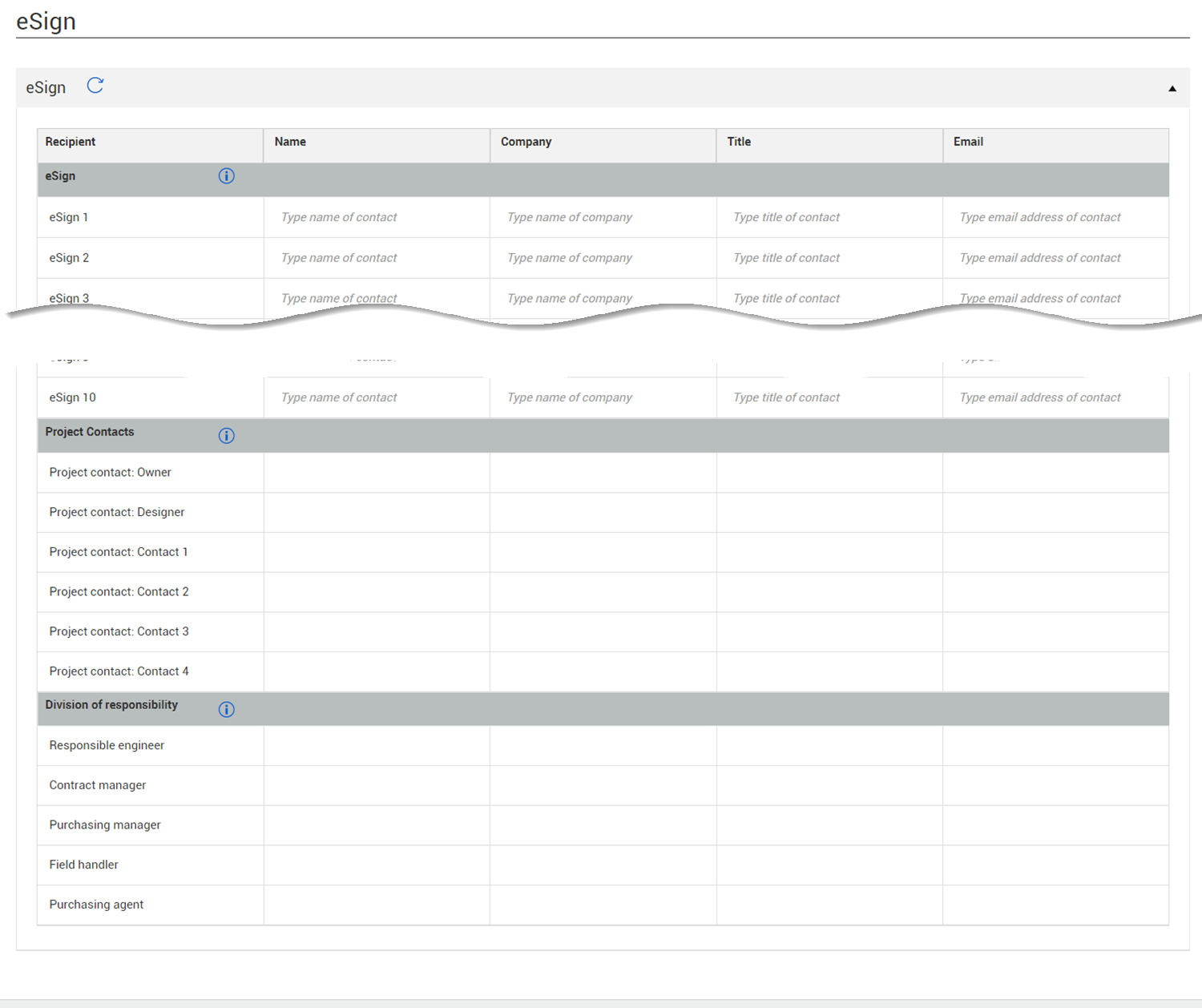
eSign section
The eSign section of the Header tab lets you view or add recipients to be used as default eSign signees. This section has subsections for eSign, Project contacts, and division of responsibility. All signees must be added to at least one section.
-
Names in the eSign section are populated from the project eSign setup tab (Project settings > Contract > Configrations > eSign setup). You can also manually enter the names of the signees.
-
Names in the Project contacts section are populated with contact information from Project contacts added in Project details. This section is for reference only. If you want to add or change recipients, you must edit the Project Contacts.
-
Names in the Division of responsibility section are populated with user information defined in the Division of responsibilities section of the contract details. The company is populated from the Company legal name in Project details. The title field is always blank. This section is for reference only. If you want to add or change recipients, you must edit them in the Division of responsibility section of the Additional details.