Payment forms register
When you are on a payment form record, you can go back to the payment forms register page, by clicking on the Contract title in the breadcrumbs.
On the Payment forms register, you can check the status of all the payment forms on the contract. The Unassigned invoices field in the toolbar shows the total amount of invoices from the Invoices register that have been assigned to the contract but have not yet been added to a payment form in the contract. The totals bar shows the sums of the Current gross, Retention, Net earned, Back charge amount, Tax, and Net Payable columns. The active project tax types show in columns on the Payment form register.

To make scrolling through a large number of payment forms easier, you can click the Export icon to export the information on the Payment Form register to a Microsoft Excel spreadsheet.
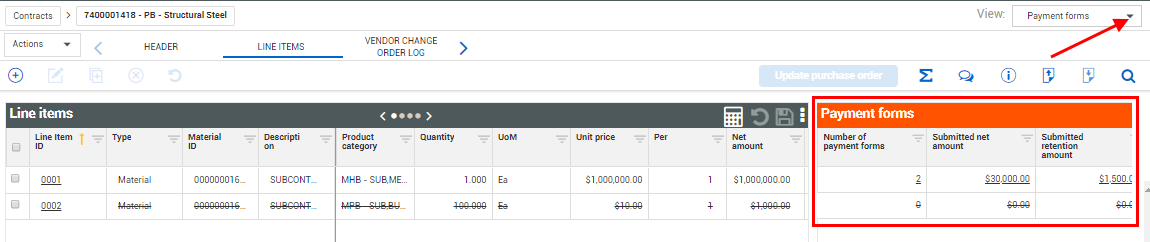
From the Contract Line Items tab, you can change the Viewset to Payment forms and the Payment forms data block appears, so you can see how much of each line item has been submitted for payment.