Quantity takeoff overview
The Quantity Takeoff section facilitates a seamless process of importing quantity takeoff data. You can import the takeoff data directly into your estimate easily and efficiently. You can also configure cost item filters in Estimate to quickly configure your estimate.The imported takeoff data is saved and readily available as the source of the scope of work during the estimate process of the project.
You can import and manage the data using the Quantity Item Sources, Quantity Item, and Quantity Item Employments registers.
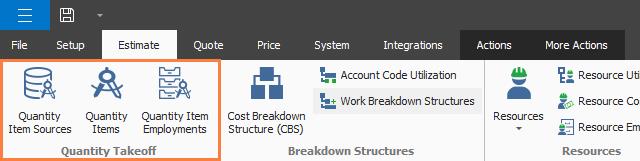
To bring the takeoffs from your source application into the Quantity Items register, click Quantity Item Sources. In the Quantity Item Sources Register, select your source. You can then select a source file.