Unique identifier
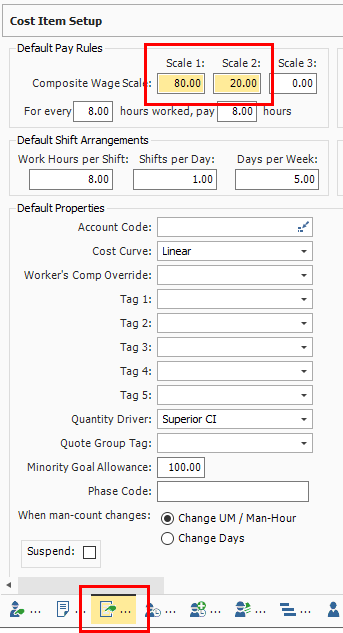
You may have noticed that when you make changes to the Cost Item Setup data block, the fields you changed and the Cost Item Setup data block are highlighted, indicating that they were altered from their original state.
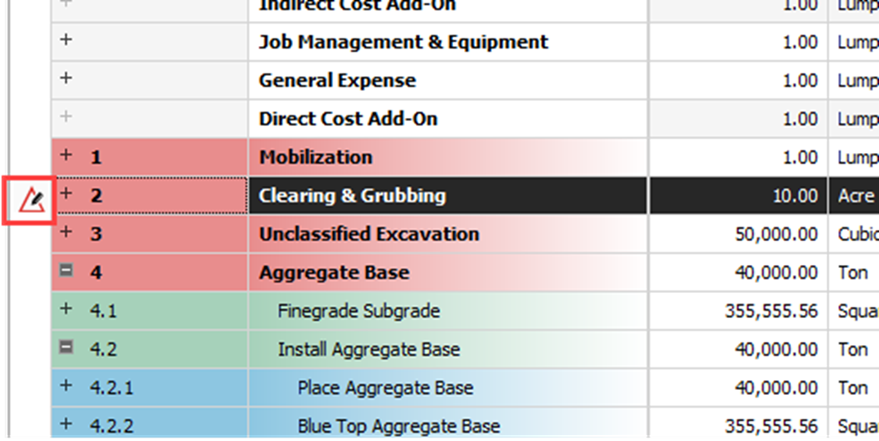
On the CBS Register, the cost item you edited now has a Unique identifier icon in the row header indicating the cost item has been altered from the default values set in the project job properties or in the project library of resources rates.
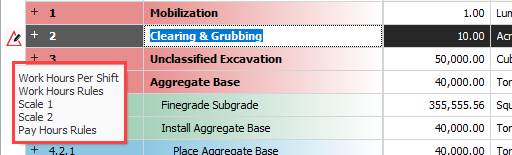
When you hover over the identifier, a message shows indicating what data points were changed.
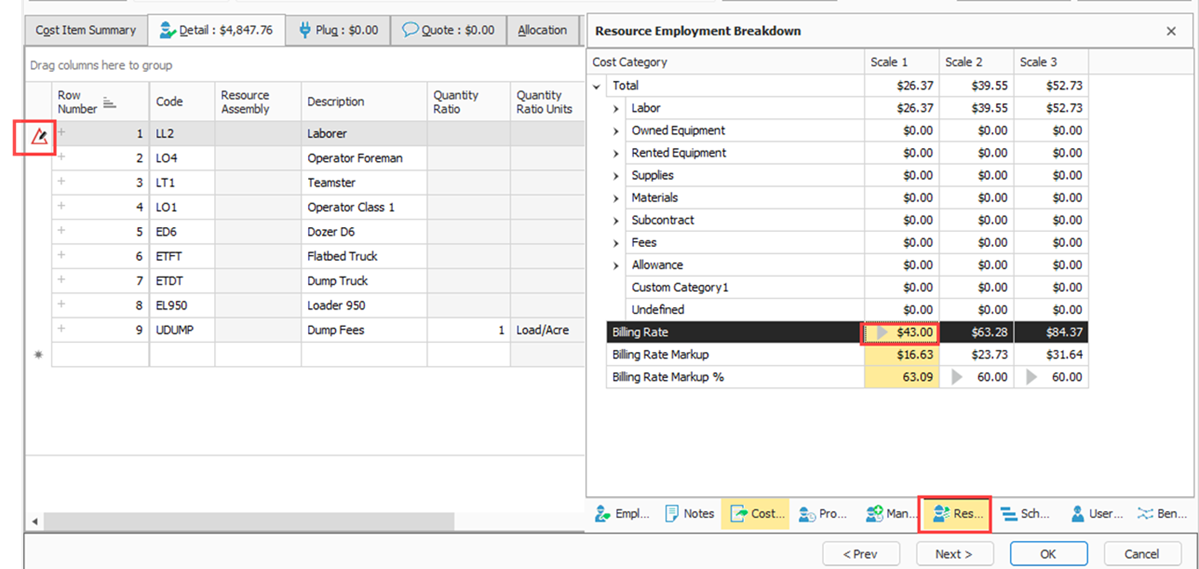
The unique identifier is also shown for resources when you make changes to the employed resource cost to be different than the original resource rate imported from the Resource Rate Register.
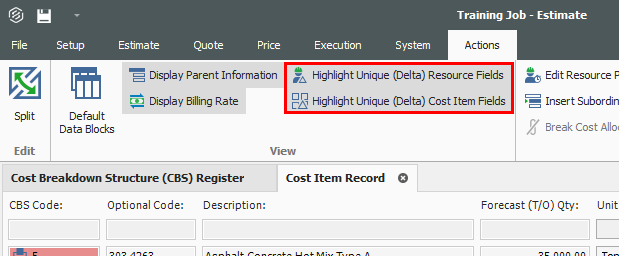
Highlight unique (delta) toggle
You can turn the highlighting of unique resource and cost item fields off and on from the Actions menu of the Cost Item Record, under the View section.