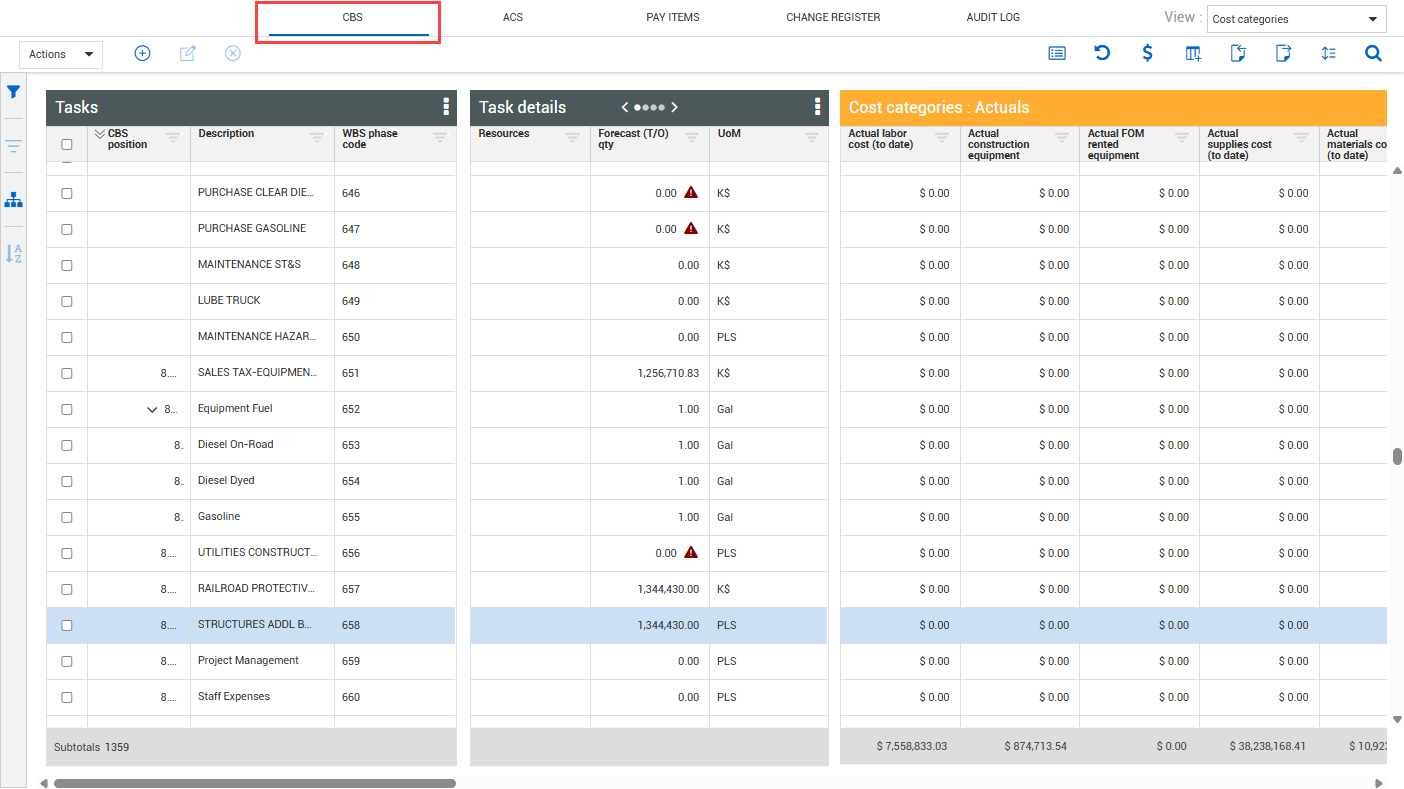
CBS register
When you open Workspaces, you land on the Cost Breakdown Structure (CBS) tab by default. The CBS is the main tab where you manage and track progress of your cost items that make up the cost breakdown structure of your project. You can manage items such as:
-
CBS structure — Use the CBS position column to view the hierarchy of your superior and subordinate cost items. You can move cost items to adjust their position within the cost breakdown structure.
-
Color code hierarchy — You have the option to differentiate your CBS structure by color. Click on the Tasks data block ellipsis to select Color-coded CBS position and Color-coded terminal items to help you identify the position level of the hierarchy where a specific cost item is located.
-
Add, edit, and delete cost items — Easily add, edit, or delete superior and subordinate cost items.
For more information, see Cost Item Overview.